JOHN MAURER'S COMP 724 INTRO TO WEB GRAPHICS SITE / UNIT 3 ASSIGNMENT
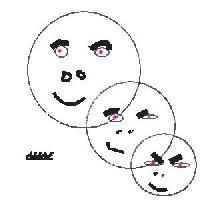
ALIAS
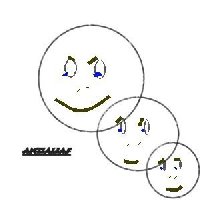
ANTIALIAS
EXPLANATION OF ALIAS VS ANTIALIAS
Antialias: The blending of the pixel colors along the edges to eliminate the stair -stepping look (called "jaggies") of curved and slanted lines. The feature is commonly used with text. It is a process that softens the hard edges in digital graphics. The image containing the aliaded circles is obviously made up solely of black and white pixels, where as the images containing the antialiased circles shows pixels of varing shades of gray along the circles edge. Its those pixels that give the antialias circle the appearance of smoothness. The effects are more noticeable when ZOOMED in on the line. Alianing: Is what happens when analog data is represented on a digital system.
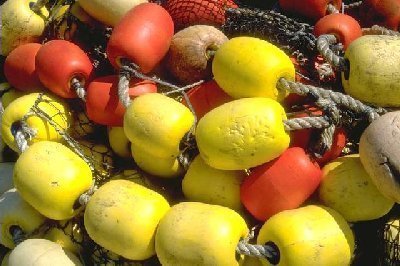
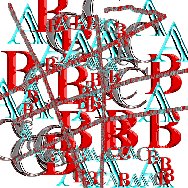
ASSIGNMENT NO.1 UNIT 5 Image Deformations. The scale was set to 100% The shear "X" axis was set to .5, the "Y" axis was set to .2, The perspective "X" axis was set to .5, the "Y" axis was set to .2, The overall angle was left at 0 degrees. I had to experiment with various different settings in the Deformation Settings Dialogue Box in order to achieve my desired look. KEEP IN MIND, I'AM USING PAINT SHOP PRO 7.0
ASSIGNMENT NO.2 UNIT 5 SPECIAL PSP EFFECTS
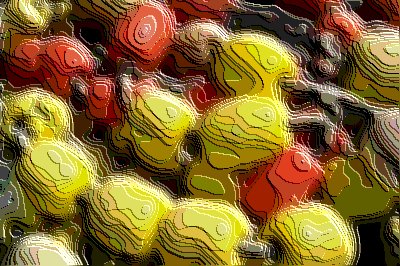
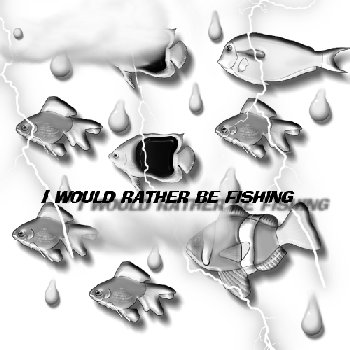
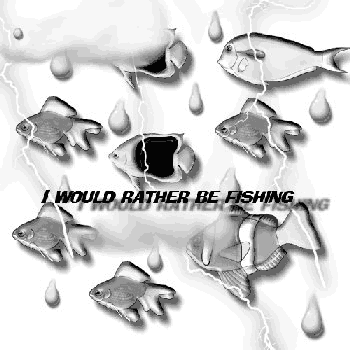
ASSIGNMENT NO.3, UNIT 5 FILTERED IMAGE, ALL OF THESE IMAGES WERE OBTAINED FROM ART EXPLOSION 600,000. KEEP IN MIND THAT I'AM USING PAINT SHOP PRO 7.0
Image #22 Arithmetic Setteing, Function average, All channels, Modifiers Divisor 1, Bias 2, Clip color values,
UNIT 5, WHAT YOU HAVE LEARNED... Find Filters to use and Explore, download and install the filers and post URL: Note; I did manage to find many sites that offer free filters, the one I found to be the best was grafo maniac.com, at that site is a wealth of other free filter sites and down loads. I found one in English that I thought was the best, and it can be reached thru grafo maniac.com or directly at [email protected], this site is by Harald Heim, check it out. The only problem is, that I have never download and used a plug in filter before and instead of wasting any more time trying to figure out how to get it to work for this assignment, I'am just submitting the site addresses for now. However, I will not give up on getting the FILTERS to work
IF YOU ARE VIEWING THIS WEB PAGE WITH NETSCAPE 6.0, THE ALT COMMAND WHEN THE MOUSE IS PLACED OVER AN IMAGE DOES NOT WORK, THIS MEANS THAT THE TEXT WILL NOT SHOW UP, SORRY
ASSIGNMENT NO.4, UNIT 6 Create Web images using Picture Tubes
ASSIGNMENT NO.5, UNIT 6 Create your Own Picture Tubes
UNIT 7 ASSIGNMENTS, Using Paint Shop Pro Layers
<
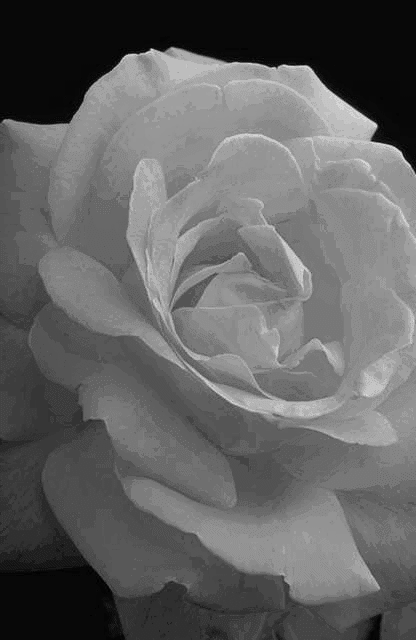
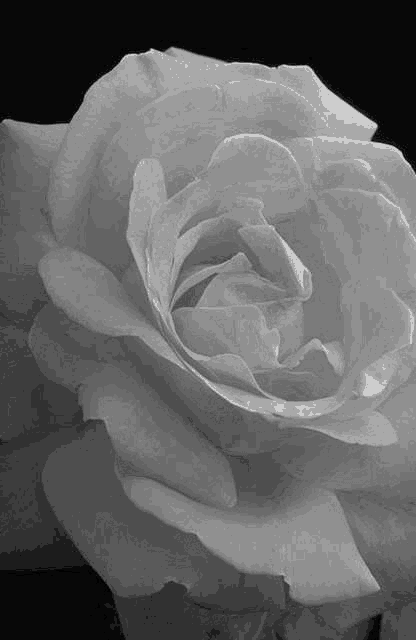
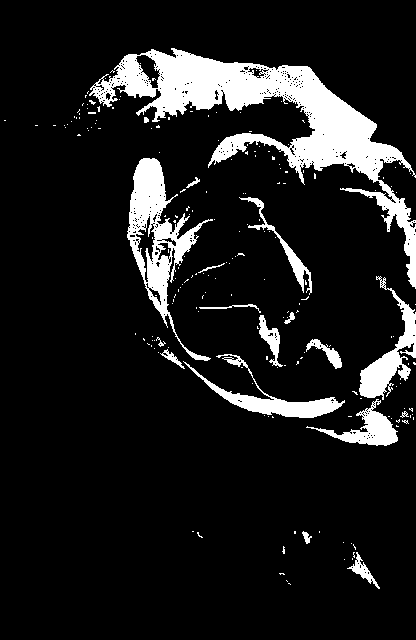
UNIT 8 ASSIGNMENTS, Create simple Black & White images