Home
Tutorial
Activities
About us
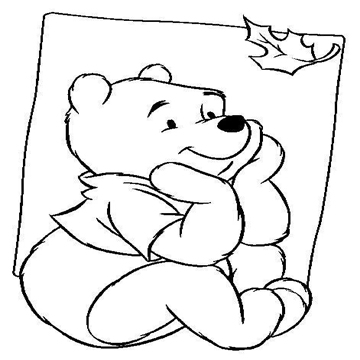
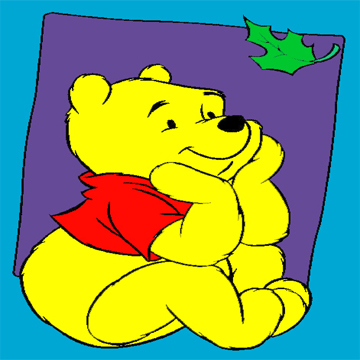
Steps:
1.Open Adobe Photoshop.
2.Open the file necessary for making it.
3.Click Image, then Mode and choose RGB Color.
4.Use the Paint Bucket Tool to fill the spaces in the image.
5.Choose appropriate shade of colors, so it will blend with each other.
6.When you're done, save it as JPEG.
~THE END