
Home
Tutorial
Activities
About us
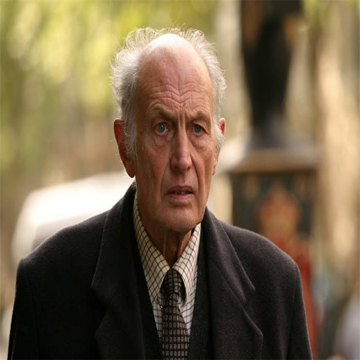
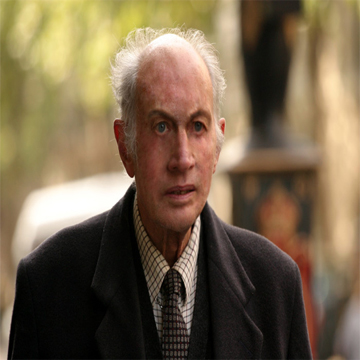
Steps:
1)Save the pictures above that contains the old man.
2)Open adobe photoshop(any version will do).
3)Click file in the menu bar then open.Choose the file name of the picture above that you saved.
4)Use the patch tool to replaced the wrinkled skin, First,look for a flawless part of his skin,then press alt in your keyboard,while holding alt click the part that you have chosen.
5) Now click the mouse at the part where wrinkles are visible,until all of the part is now flawless.
6))If you want,you can use the smudge for the eyebrows.
~THE END