Home
Tutorial
Activities
About us
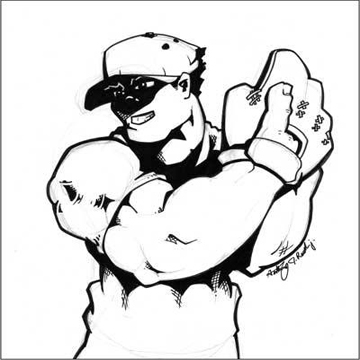

Steps:
1)Save the pictures above.
2)Open adobe photoshop(any version will do).
3) Click file in the menu bar then open.Choose the file name of the pictures above that you saved.
4)Now color the picture by the use of paint bucket tool.
Tip:Make the background dark.
5)Look for filter int the menu bar then click it,you can find lens flare menu at the render option.
6)A box will appear,then locate the place where you want to put your lens flare,then choose your setting.
~THE END