This tutorial's object is to show user how MSX Viewer 4 moves
graphic screens into its memory.
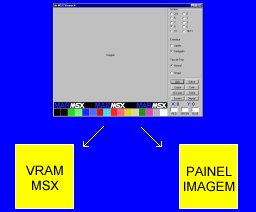
There are 2 simultaneous memory acting: MSX Vram and PC Vram.
MSX Vram is the memory that has the screen coded as MSX real Vram.
Something is written there, when a screen is opened
or when some screen is saved.
Image Panel is the image visualised on windows's program. Something is
written there, when some is copied from clipboard
or screen function is activated, decoding MSX Vram
content. Screen function is auto called when a screen is opened.
To watch an image converted by Palete 16 button, save in order:
* Color pallete;
* Screen.
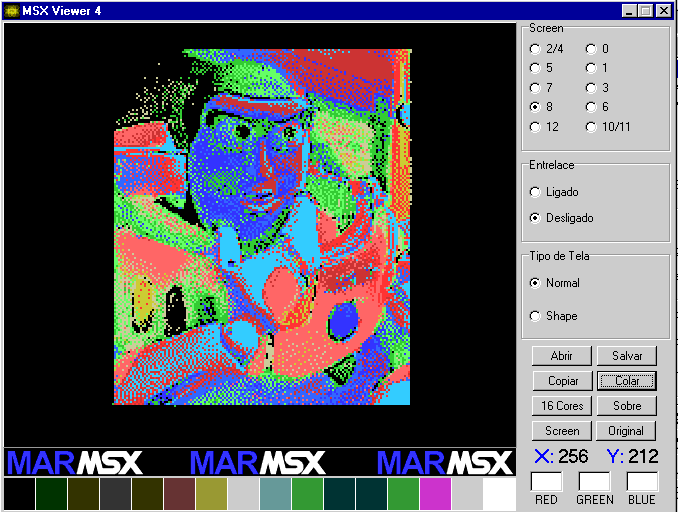
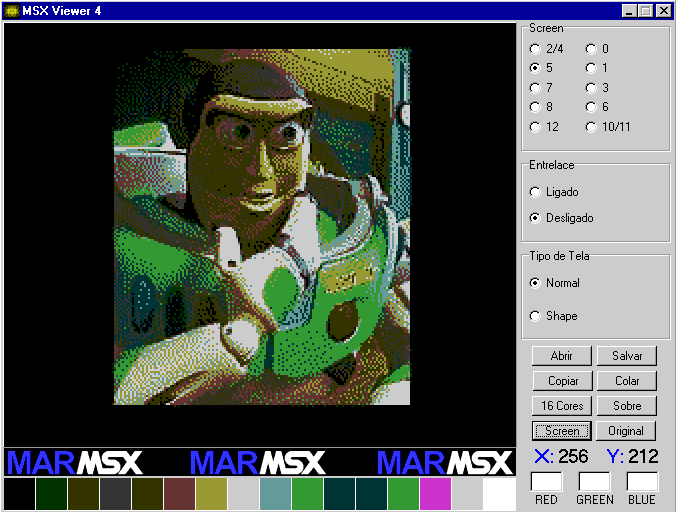
Load saved pallete and then press Screen button. Now, the image will
appear with MSX pallete.
Steps:
Image reduced to 16 colors by any image editor.
Copy and paste on MSX Viewer, Ferramentas
Graficas. Click on Pallete 16 button.
Save basic code. Back to MSX Viewer.
Double click on text box above GREEN. Save pallete. Eg: buzz.pal.
Save screen as SCREEN 5. Eg: buzz.sr5.
Open pallete by double clicking on text box above RED.
Click on Screen button.