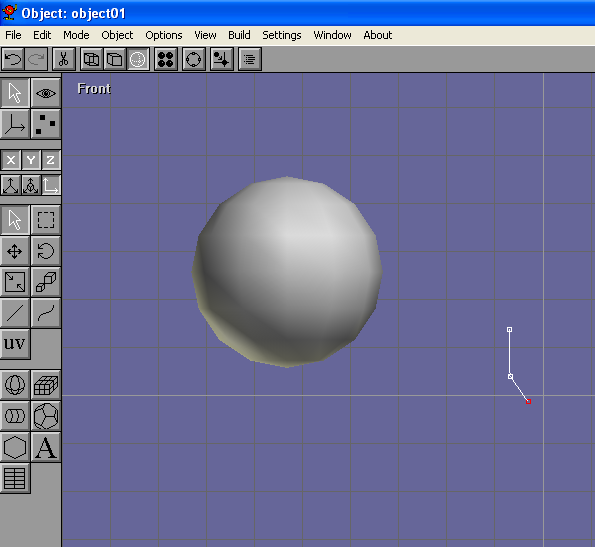
Select the path tool  and draw a path that looks like the one in the picture on the right. This will be Kirby�s shoe. Make sure the path is near the center vertical line and draw a path that looks like the one in the picture on the right. This will be Kirby�s shoe. Make sure the path is near the center vertical line |
 |
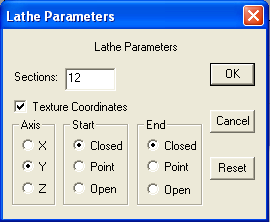
| When you're done with the path, click Build>Lathe. Make sure to choose the Y axis. |
 |
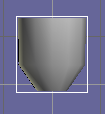
| The result should look like this: |
 |
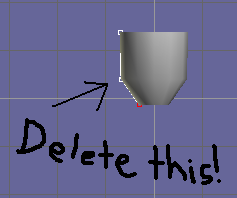
select  the path and delete it (Edit>Cut or the delete button) the path and delete it (Edit>Cut or the delete button) |
 |
switch to point edit mode  and switch to top view (View>Top) Group-select and switch to top view (View>Top) Group-select  the inner points of Kirby�s future foot. the inner points of Kirby�s future foot. |
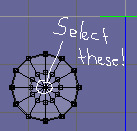 |
Then switch to front view (View>Front) and scale  and move and move  the points until they look somewhat like this: the points until they look somewhat like this: |
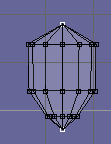 |
Now switch back to normal mode  scale scale  , rotate , rotate  and move
the foot until it's the right size and position you want it to be. (you might want to switch to side view to make sure it's in the right place) and move
the foot until it's the right size and position you want it to be. (you might want to switch to side view to make sure it's in the right place) |
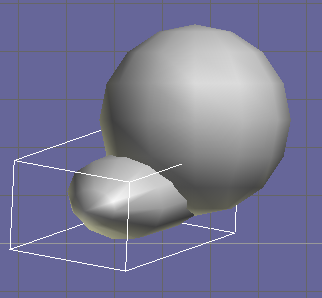 |
| Build>Mirror>X |
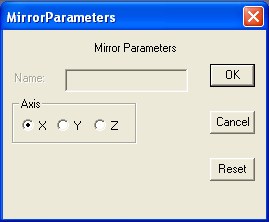 |
| Move the mirrored foot over to the sphere (Kirby�s body). It should look like this: |
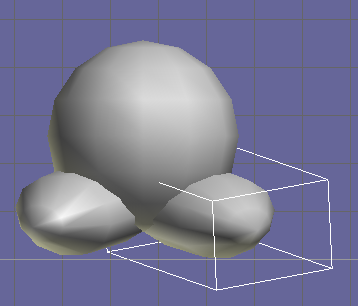 |
| Repeat the steps on this page to make Kirby's hands |
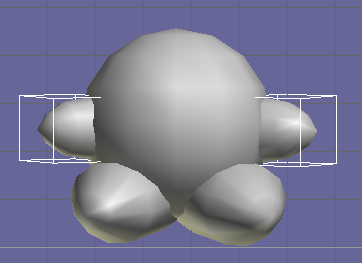 |


