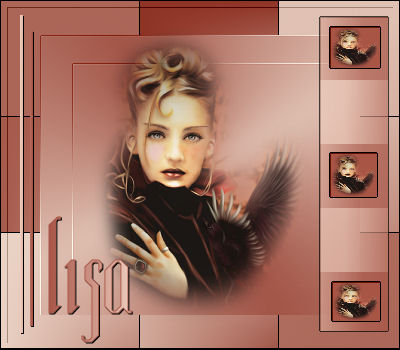
Materials:
A tube.
Filter FM Tile Tools.
Filter Toadies.
Filter dsb Flux.
Filter Border Mania.
A font.
Selections.
Supplies:
download here
Filters
Download here
Method.
Open your tube and choose two colors:
light color for the foreground
dark color for the
background.
Make a gradient: Angle 60; Repeats 3; Invert not checked;
Style Radial.
Open a new canvas size 400-350pixels--
Fill with the gradient.
Adjust-- Blur-- Gausian Blur on 20.
Filter FM Tile Tools--Blend Emboss--
you won't see anything,
but it changes.
Duplicate this layer.
Image-- Resize to
80%--Resize all layers NOT CHECKED.
Duplicate the copy of the first layer-- resize again to 80%.
Now you can see some nice stripes.
Lock layers 2 and 3 ( the copies of layer 1)
and activate layer 1.
Effects -- Filter Toadies--
Plain Mosaic Blur--
sliders on 89-85-18.
Unlock the two layers.
Resize your tube to a size you prefer.
Activate your top layer of
the canvas.
Copy and Paste as new
layer
Layers -- Merge -- Merge Visible.
Change the settings of the gradient to:
Angle90--
Repeat0--
Invert not checked--
Style Linear.
Add a new raster layer
Selections-- Load / Save Selection from disk -- find the
lisa0256 selection.
Fill with the gradient.
Effects -- 3 D Effects --
Drop Shadow--1-1-100-1 black.
Deselect.
Add a new raster layer.
Selections-- Load/Save - Load selection from disk-- find the
lisa0257 selection.
Fill with the gradient.
Effects--Filters -- DSB Flux--Linear Transmission--
slidebars on 41-36-50
horizontal.
Effects--Filters -- Border Mania Frame2--
top two slides on 2--
Change the opacity of this
layer to 70% in your layers palette.
Deselect.
Add a new raster layer.
Selections-- Load / Save -- Load selection from disk--
find the lisa0258
selection
Fill with your dark color.
Deselect.
Select the top square with your Magic Wand
Copy your tube again
and paste into the
selection.
Effects--Filter -- Border Mania Frame2--same settings.
Deselect.
Repeat this step with the
other squares.
You can mirror the middle
one if you like.
Layers -- Merge -- Merge All.
Effects -- Filter -- Border Mania-- Frame 2 --
top 2 sliders on 0-10.
Add your name in a font of your choice.
Your tag is finished! :-)
I hope you have enjoyed the tutorial.
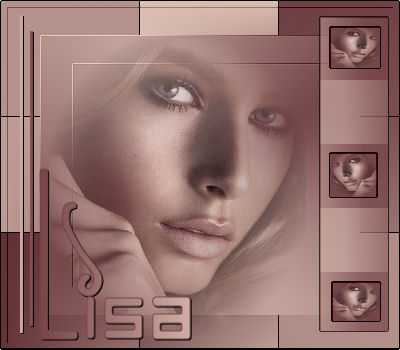
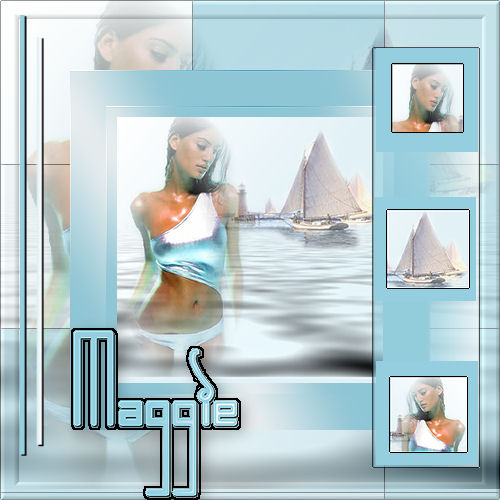
Here is another example.