MaDBiTCHeS MySPaCE HeLP
How to use codes...
First you must highlight the code you wish to use
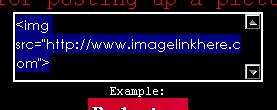
Then you either press on your keyboard "Ctrl" + "C"
--OR--
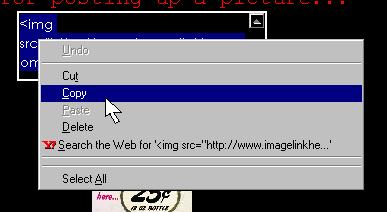
Right Click on the highlighted code and select "Copy"

How to use layout codes...
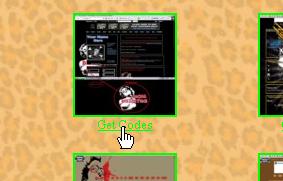
Choose your favorite layout...
and click on "Get Codes"
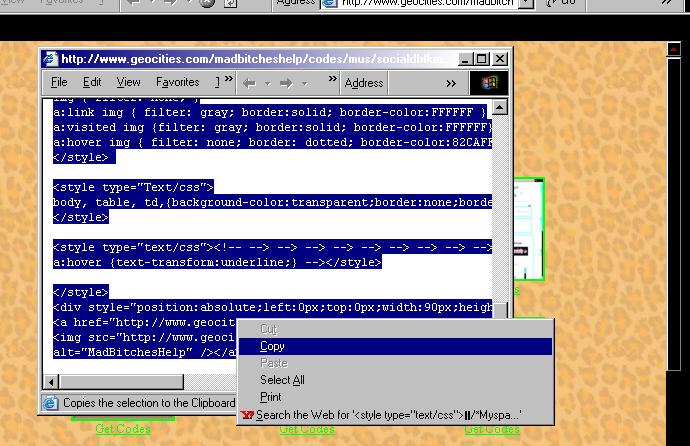
A new window opens up with your code... highlight ALL the text in the window,
Right Click on the highlighted area, and select "Copy".
Then, at your Myspace.com home page,
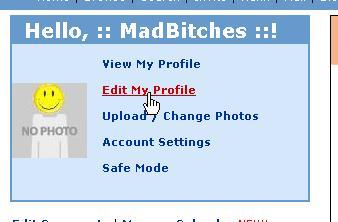
click on "Edit My Profile"
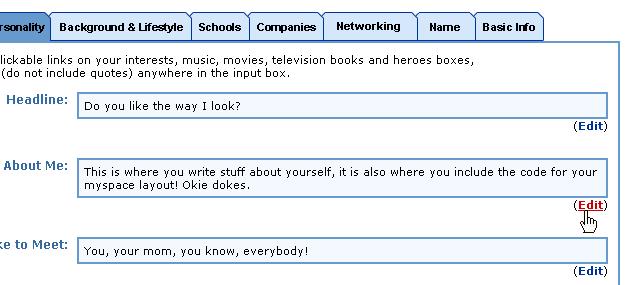
Hit the "Edit" link on the "About Me" section
Right Click in the "About Me" text box and select "Paste"
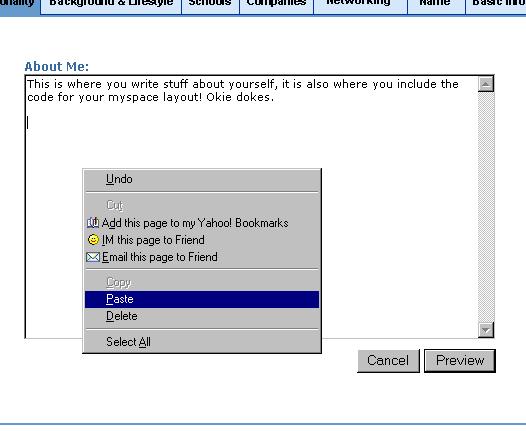
Finally, hit the "Preview" button, preview your profiles new look,
and then hit the "Submit" button.