How to use smileys


Step 1.

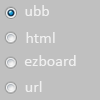
Choose the code system supported by messageboard
you are using.

ubb - placing smiley inside [img]...[/img] tags
html - placing smiley inside <img src = ...> tags
ezboard - placing smiley inside [image]...[/image] tags
url - gives you a smiley address with no tags


Step 2.
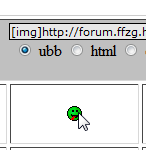
Click on the smiley you want to use.
The code will appear in the codebox above.


Step 3.

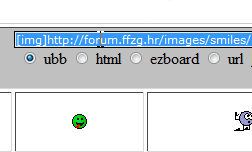
Double click the code to select it:

Step 4.
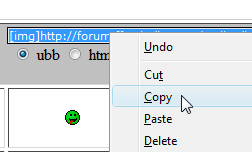
Right click again and click "Copy":


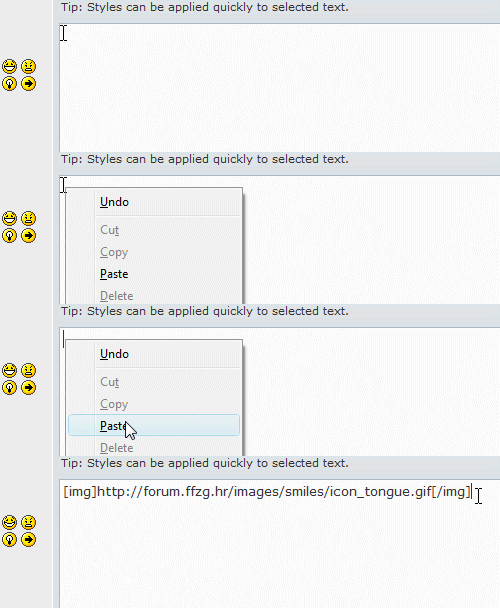
Step 5. Right click in your message where you want to use the smiley and click "Paste".


Hosted by www.Geocities.ws

1