| Hate having to load the game or log off of the server every time you have a good idea for a new civ? Well you don't have to. Use this stand alone editor anytime. ( I love this thing )
Just click the Empire Earth icon above and choose Save in the File Download window. Then choose a place to put the file ( I recomend putting it in the Empire Earth file, usually: C:\SIERRA\Empire Earth ) then click Save. When the file is done downloading click Open Folder. You will see a compressed folder called "cived", right click that folder and click Extract All. Then click Next and then click Finish. Now there will be a new regular file called "cived" containing a read me file and an application. double click the application icon and you will see the editor. make a shortcut and put it on your desktop to use anytime. If you've never downloaded and decompressed a file before, this may seem like a lot of work but just follow the instructions and you'll see it's not that hard at all and deffinetly worth it. |
 |
 |
 |
 |
 |
 |
 |
 |
|
|
| CivEd |
| The custom civilization builder you don't have to load the game to use |
 |
 |
|
 |
| GAME SKINS |
| These are skins that you can use to replace the existing look and sounds of your Empire Earth and Empire Earth - Art of Conquest Log In and Lobby windows |
| Click on a links below to preview the skins. Below each preview you will find a link to download that skin |
| More Skins Comming Soon |
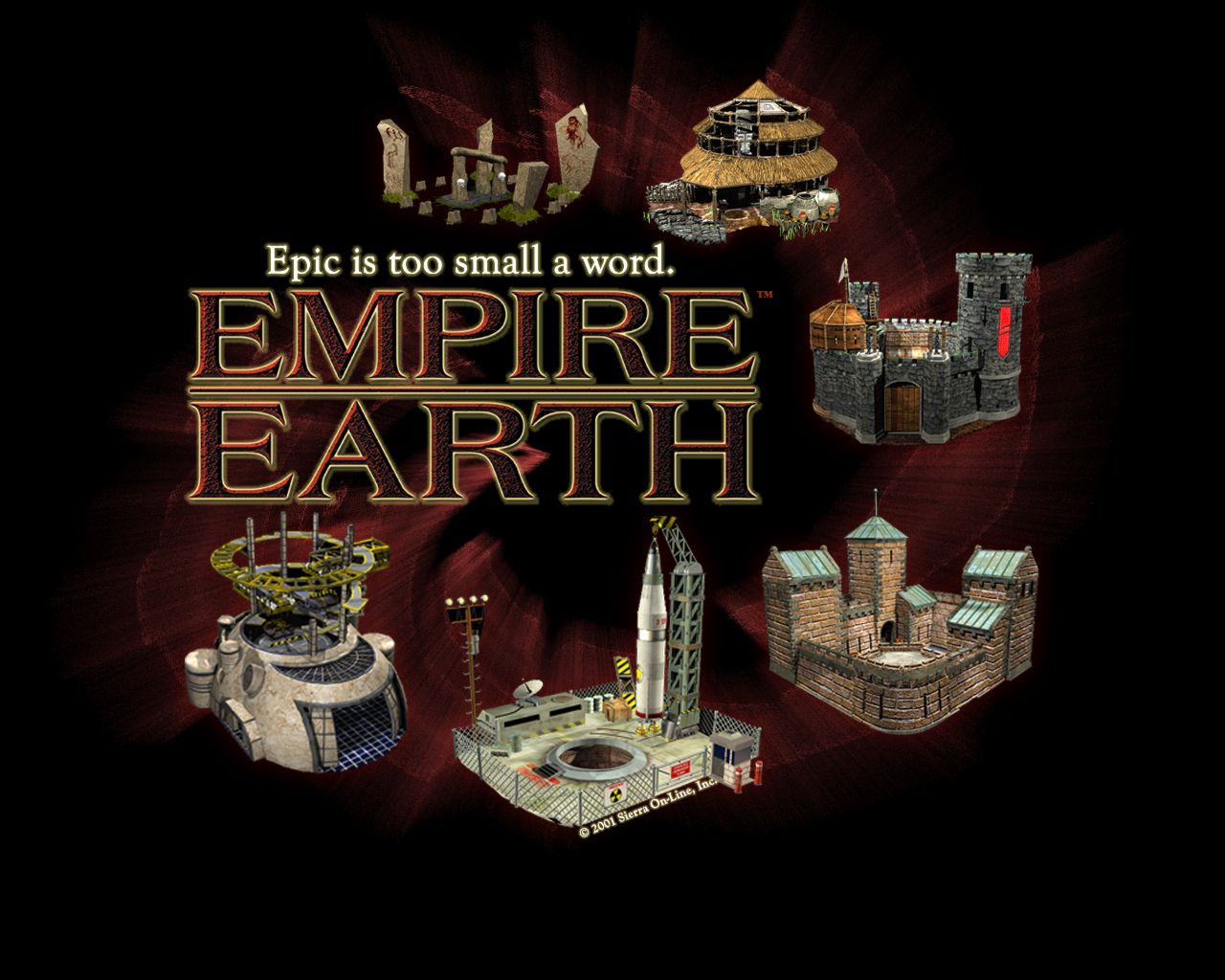
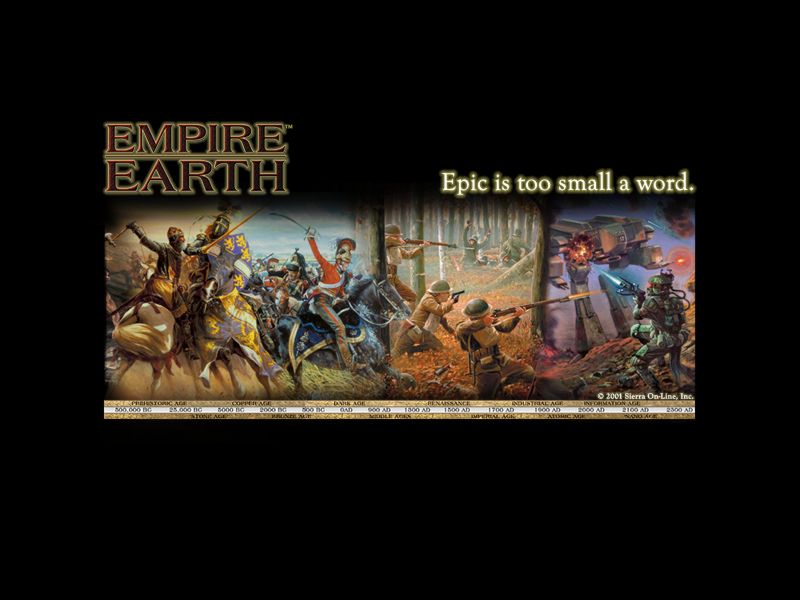
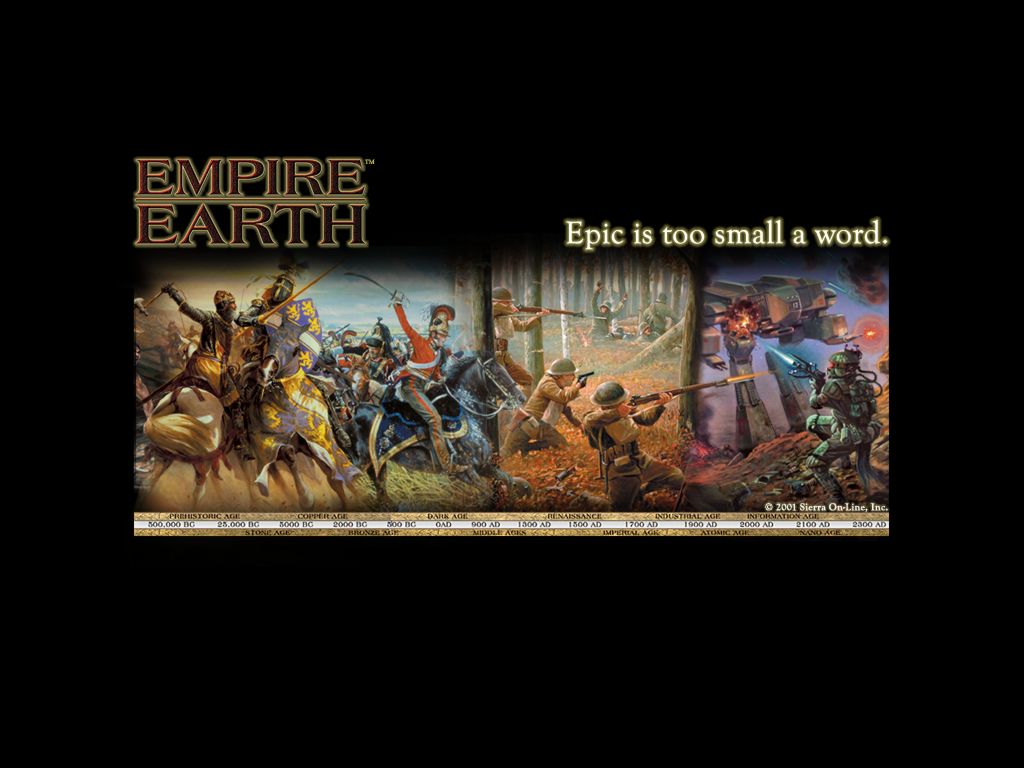
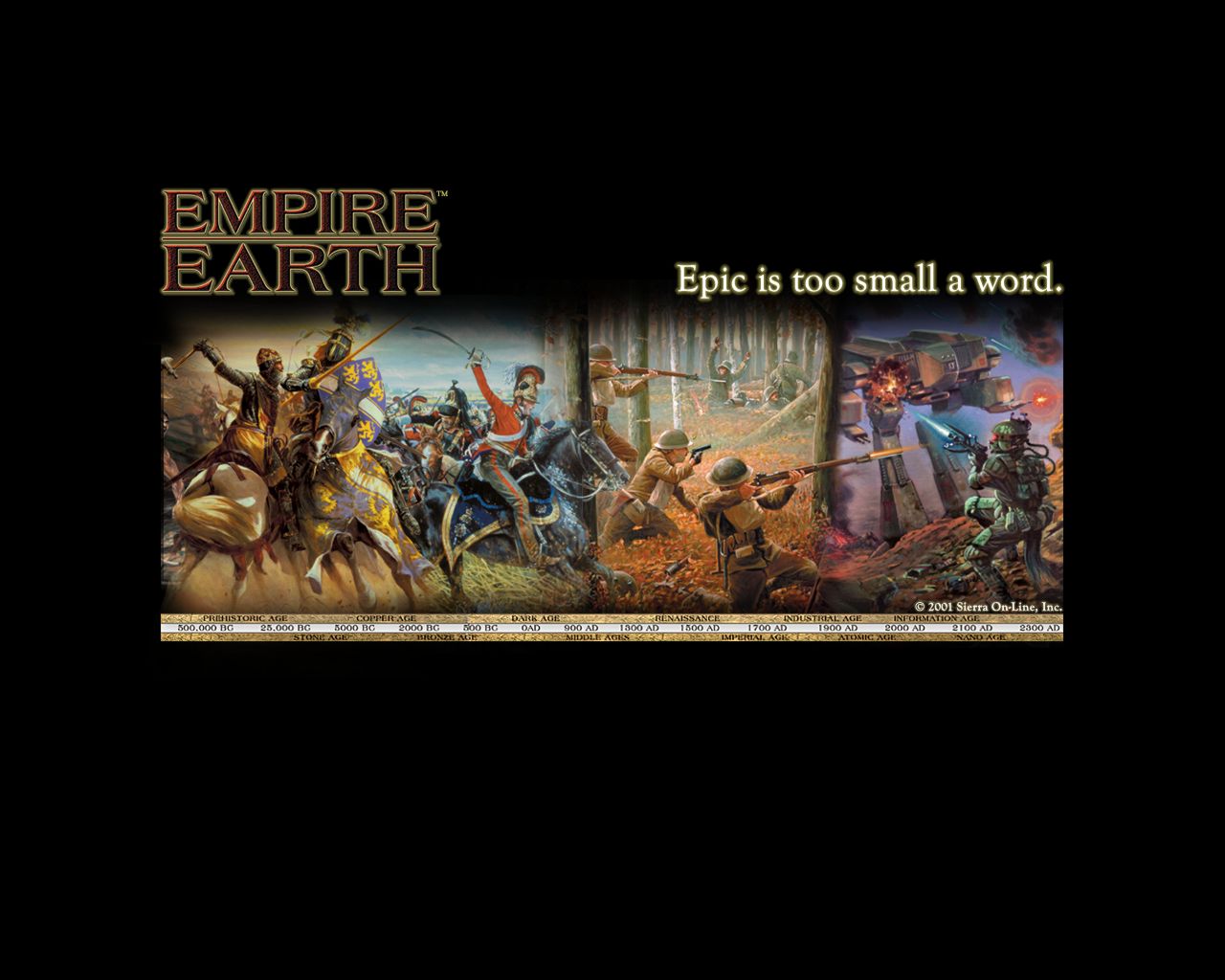
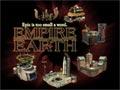
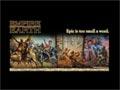
| To install a desktop background, choose a link above that matches your screen resolution ( to check screen resolution, open the Display Properties Dialog box in the Control Panel ). Save the file in your Windows directory ( usually C:\WINDOWS ) To make a new desktop active, open the Display Properties dialog box by clicking start, pointing to Setting, clicking Controll Panel and then double-clicking Display. In Wallpaper select the Empire Earth background. Click Apply to see the changes before you close the dialog box, or click OK to accept the changes and close the dialog box. |
| WALLPAPER |
|
| 1) |
| 2) |


 |
 |
 |
|
| TEAMSPEAK |
| Click the hand radio to download this program so you can verbaly communicate with other members or anyone else who has this program. Great for type-free comunications durring a game |
 |
 |
| Each skin comes with a log in screen and a lobby screen as well as a custom cursor. All skins also come with sound effects that replace the existing ones. |
| ATTENTION: Do to limited memory availablity, each skin can only be downloaded once in a one hour period. If you attempt to download a skin and can not, try again later. |
| The colors and text quallity will be greater on your computer then they APPEAR to be in the preview pictures. Also, the server announcement in the login window in the preview pictures are custom and are not included in the downloads. |