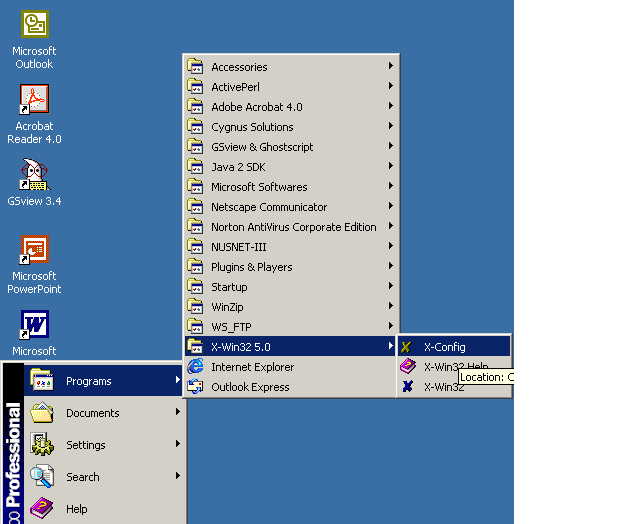
1. Find the program X-config as shown.
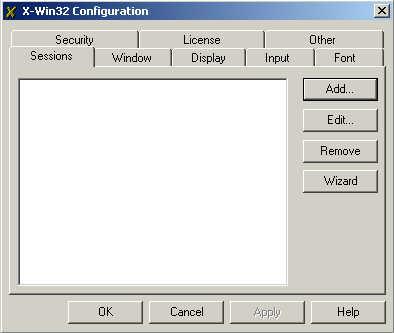
2. Click the Add button at the Sessions tab.
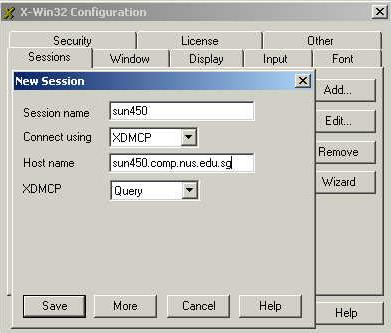
3. Fill or select the respective fields as shown. Click Save.
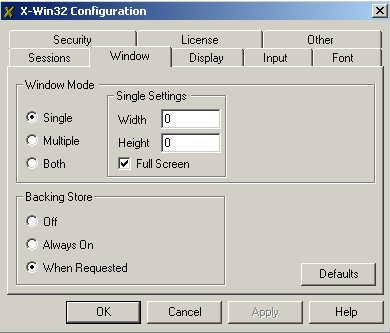
4. Select Single for Window Mode section in the Window tab. Click OK.
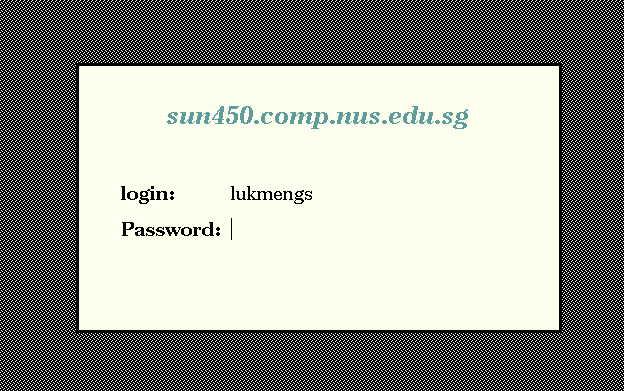
5. Click the X-Win icon at the desktop. Right-click it to select the sun450 session and you should be prompted for your unix login id and password. If you cannnot find the X-win icon, go to Start-> Programs and try to find it from there.
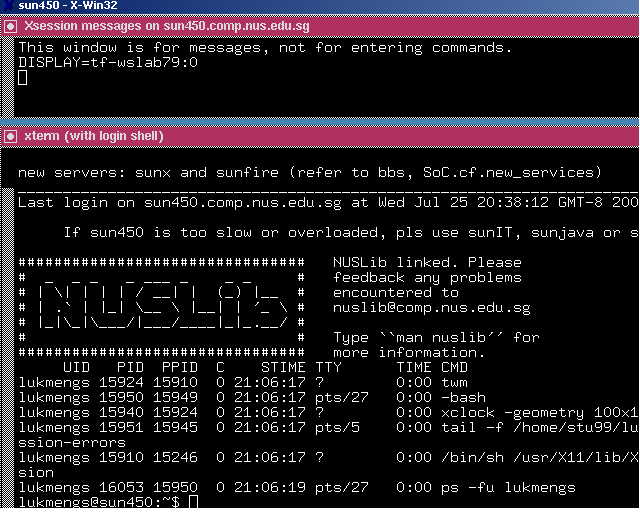
6. After login with your UNIX userid and password, you should be able to get the below screen. It may not look exactly the same but you should at least get to see the command prompt.