The program can be downloaded from here.
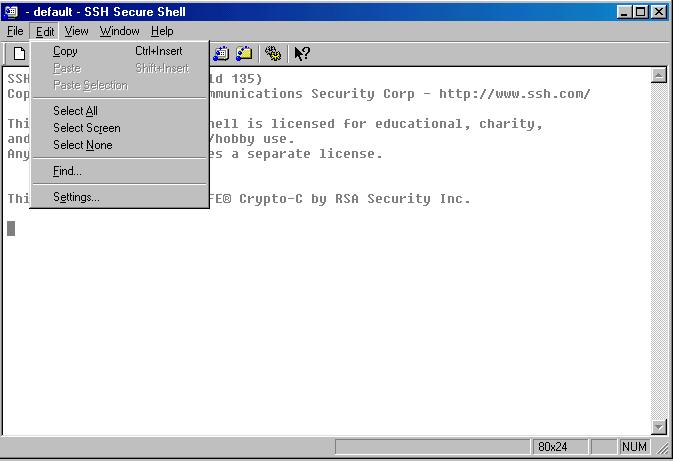
1. Select the Edit tab and click on the Settings.
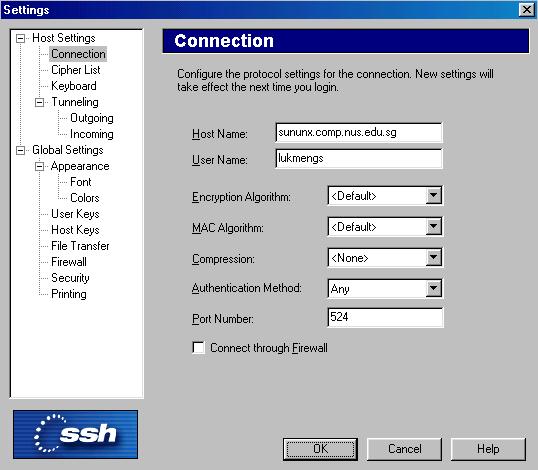
2. Fill in the host name, soc login name and Port number as shown. As I'm using SCV to connect to unix, my port number must be 524 in this case. Otherwise, the port number should be 22 instead. Next, click the OK button.
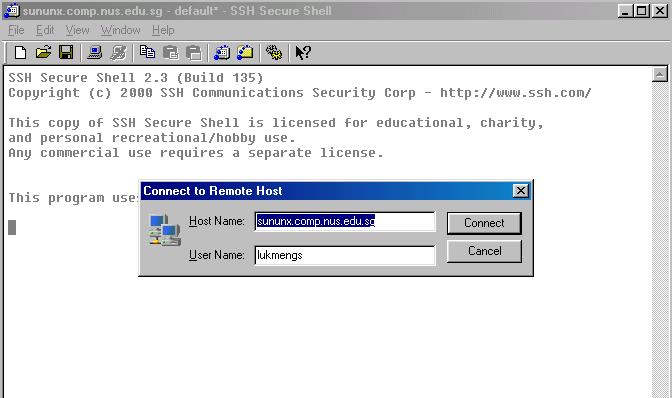
3. You should able to see the below after the above step.
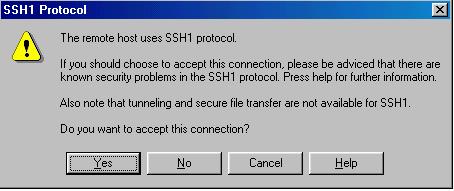
4. Ignore the warning 8P. Click Yes.
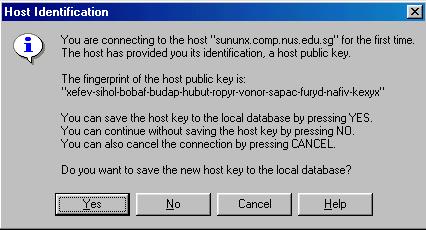
5. Click the Yes button again to save the new host key.
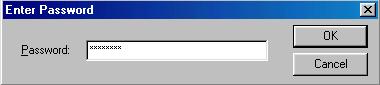
6. Type in your unix password and click OK.
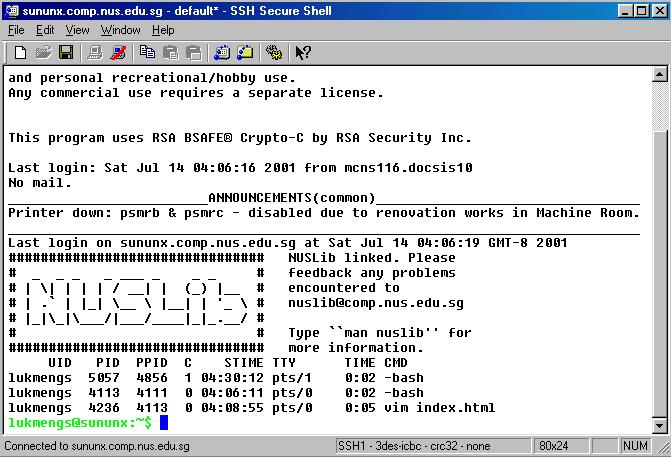
7. You should be able to get this after doing all the steps above.