

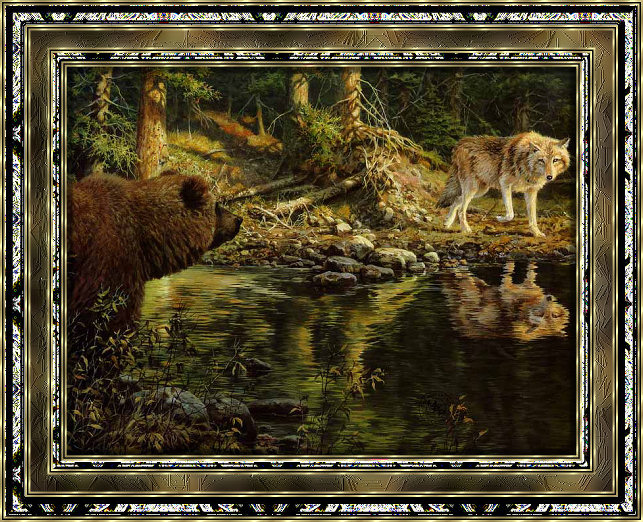

Open an image hold down Shift and press D to copy image then close original.
Go to Image/Add Borders 3 pixels any color that is not in your image, select with Magic Wand. Find goldbg pattern in pattern palette, flood border.
Image/Add Border 2 pixels black.
Image/Add Borders 3 pixels any color, select with Magic Wand. Fill with goldbg.
Image/Add Borders 13 pixels, select with Magic Wand, Effects/Reflection Effects/Pattern use default setting. Keep Selected.
Effects/Artistic Effects/Glowing Edges apply default settings.
Effects/3D Effects/Inner Bevel default settings but use Bevel shape number 11.


