Assignment 1: Trampoline Man
Trampoline Man Creation
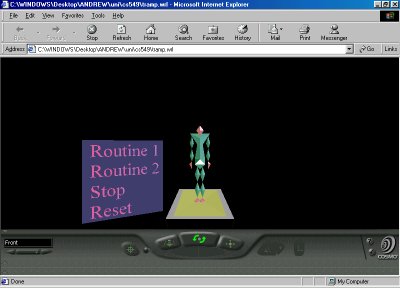
My trampolining Humanoid (a.k.a.:(slim)"jim"). Was created entirely using indexed face sets. Specifying coordinates in an X Y Z plane and linking them up to form polygons, then linking the polygons up to form solid figures.
One problem i faced constantly during the creation of my humanoid was linking up my points wrong in the indexed face sets so that the face was the other way around. You have to link up the faces in an anti-clockwise direction. This was helped by actually modelling the humanoid on graph paper, from front back and side directions. Most of the joints (the legs arms and head) use the same type of polygon (sort of a diamond shape) which saved me some time in the design.
After many hours at the drawing board (pad of paper) i came up with my final design for the humanoid and punched in his coordinates (using the specification of Joints, Segments and the Humanoid protos from the H-anim specification on the H-anim website) to come up with this fine specimen you see below you.
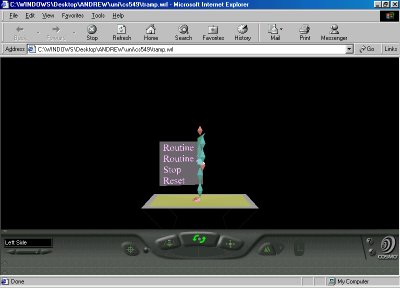
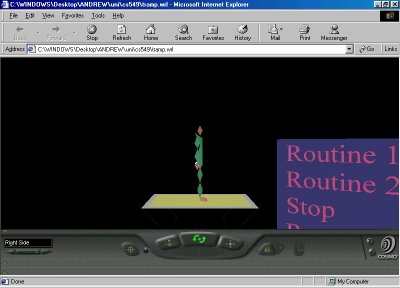
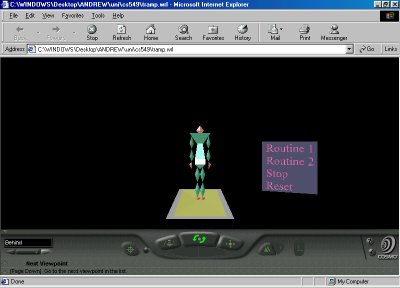
See jim from all angles:
(hold the mouse over the picture for to see what angle you're looking from (if it's not obvious already))
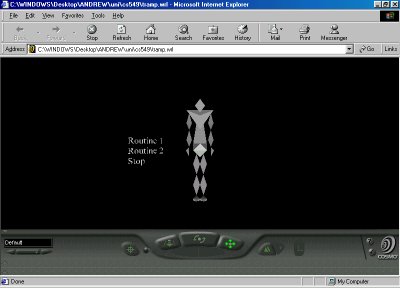
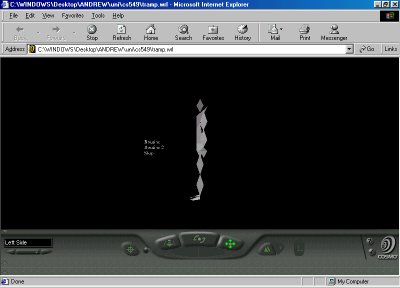
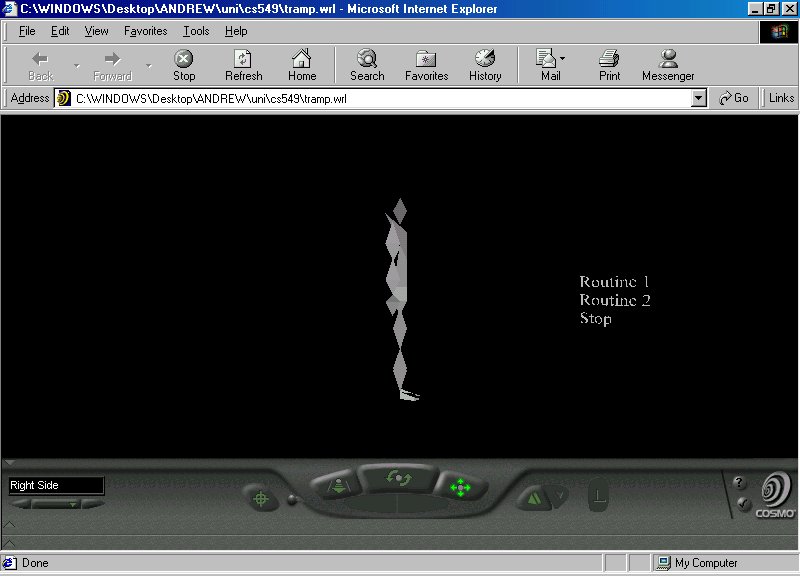
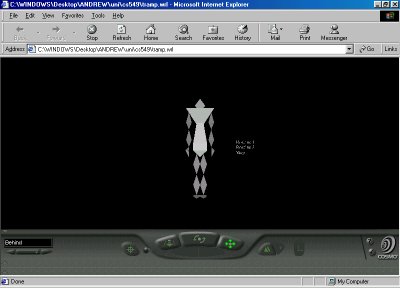
Now it was time for some quick colour and lighting (most of the material properties are aluminium as a base unless i changed them). There is only one directional white light pointing at the -x -y axis.
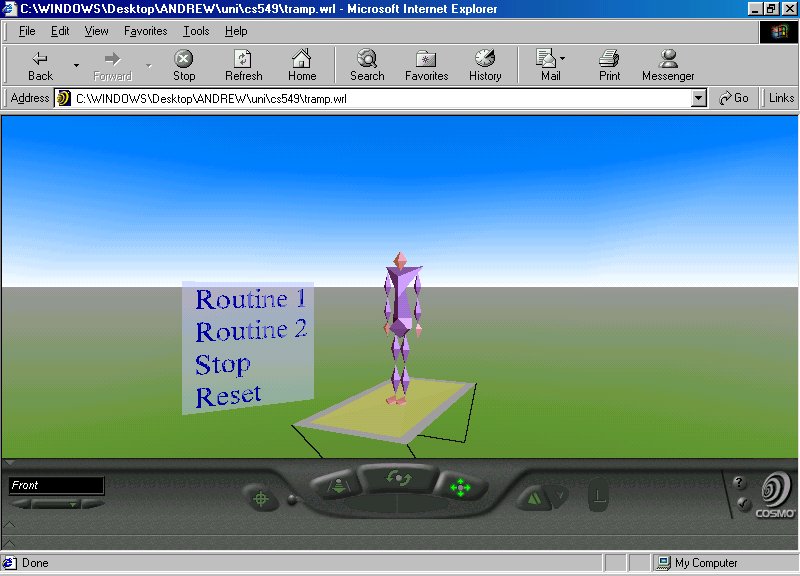
Also designed was the HUD, this has 4 buttons, one each for Animation Routine 1 and 2, and a button to stop the animation and one to reset the animation if it is stopped in mid air.
The hud has a semi transparent square behind each button to make clicking on the option easier (if there wasn't a square there you would have to click on the actual words)
See Jim in colour
Trampoline Man Animation
After i had my basic humanoid up it was animation time. Spending 3 hours trying to get it to animate in the labs with a vrml browser that doesn't support animating proto nodes is not recommended.
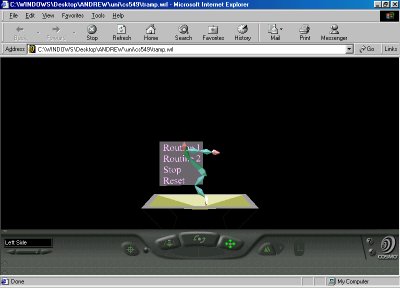
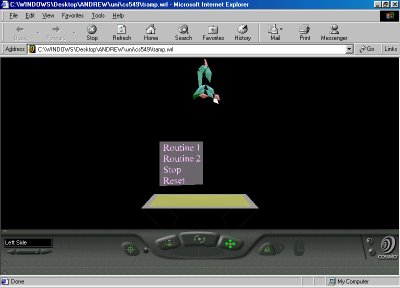
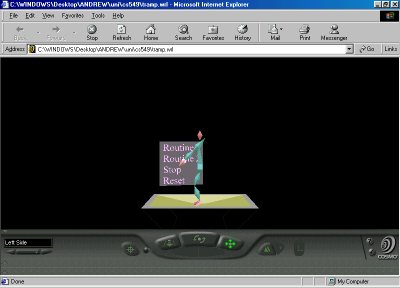
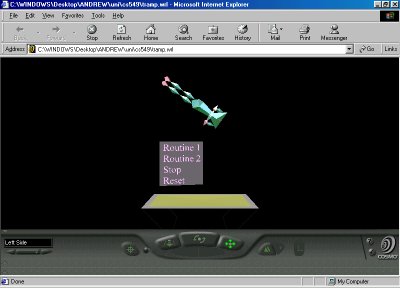
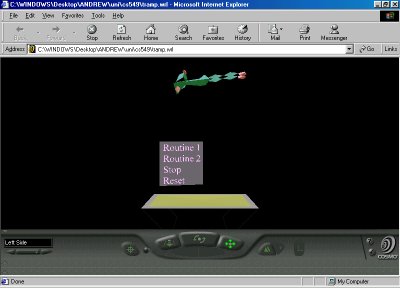
So after lengthy animating at home (check the diary for more details) on cosmo player. I was able to take these magnificent shots of (shoddy) "jim", my humanoid going through various animation activities with all the style and grace you'd expect from a 3D humanoid.
The humanoid has every part of his body rotating around the x axis, and the humanoid root being translated along the y axis. There are two routines for animation.
Routine 1: Routine 1 has the humanoid jumping once on the trampoline for speed and on landing performing a backwards flip.
Routine 2: Routine 2 has the humanoid building up speed as before, then launching into a spinning summersault, spinning along the y axis twice as fast as along the x axis
See jim fly
Polygon count
There are a total of 118 polygons, in 16 segments, in the humanoid model and 8 polygons in the trampoline.
Adding Backgroud
Here is a look a the finished humanoid after background was added and some last minute colour changes.
Polygon count
There are a total of 118 polygons, in 16 segments, in the humanoid model and 8 polygons in the trampoline.
Download/Run Trampoline man
If you want to download Trampoline man right click on the link below and go to save as, otherwise you can run him straight from this page by clicking on the link (Note: for this to work you must have some sort of VRML plugin installed, i recommend COSMO Player, which can be downloaded free at http://www.cai.com/cosmo/)
tramp1.wrl
Trampoline Man diary
29/7/01 - downloaded cosmo player to look at .wrl files at home. Just been to a few websites and downloaded some examples to look at
31/7/01 - started researching ideas for the humanoid and the assignment 2 specification project. Looked at some of the previous years projects. The most eye catching of these projects is Timothy John Purtill's assignment, i recommend a look.
2/8/01 - started designing humanoid, created all the polygons i'm going to use but haven't positioned them yet.
3/8/01 - scrapped the original idea for humanoid, created new one on paper, implementing that in the labs, created torso and pelvis design and got them to match up.
Using the H-anim specification now to put all parts into place, developed a prototype humanoid file that should work for any polygons if i change my mind again.
6/8/01 - big day in design, created nearly full model of humanoid all that needs done are the toes of the feet.
7/8/01 - designing HUD for humanoid and mucking around and familiarising myself with various viewpoints. I'm doing all this at home, i'm kinda worried about version control as i've just read the spec and it says that rcs MUST be used. Wondering what i'm gonna do about that.
This humanoid model is being done totally by hand, this is the low detail model, i may do some higher detail models if i have time but it's the last priority at the moment.
Using the 'Billboard' group for the HUD, hope this is okay, newsgroup replies are slow.
Preparing to animate every joint in the body in two different routines 'Routine1' and 'Routine2', haven't decided what these will be yet, should be fun though'.
Took the first screenshots of my humanoid
8/8/01 - tried animating the humanoid for about 2 hours, nothing happens i don't know what's wrong.
9/8/01 - found out that the animate problem was a bug with lookat, doing all animations from home now
10/8/01 - animating humanoid
11/8/01 - more animation
12/8/01 - added some directional lighting and coloured the picture, finished fine tuning the animation. The roboman jumps in a reverse summersault and a twisting summersault. I animated the trampoline as well. Time to write the report
13/8/01 - Report writing, i hope i get this done today.
14/8/01 - More report writing.
16/8/01 - mucked around with colours, finished writing report (i hope).