ACTIVITY 7
(COLORING WINNIE THE POOH)
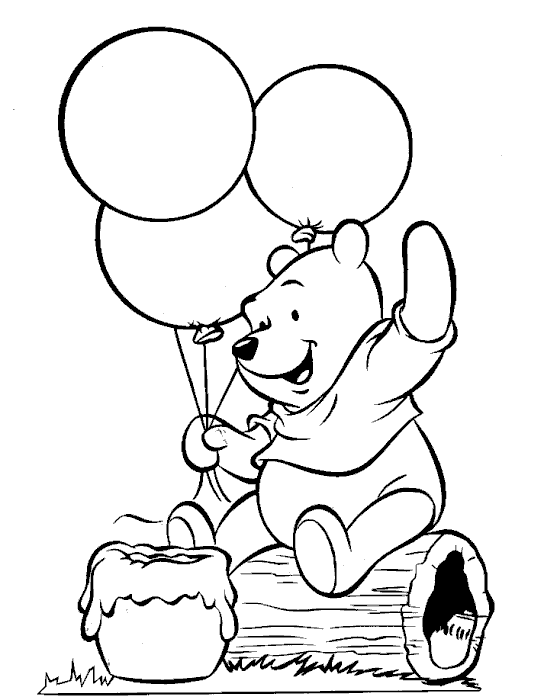
Pictures you need:
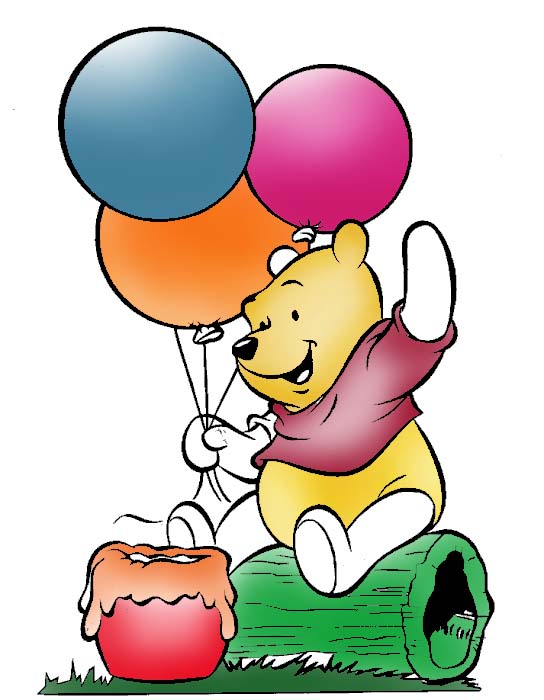
Sample Output:
Procedure:
- Open the Adobe Photoshop and the pictures you need
- Click the brush tool icon, then adjust the size and color you need
- Apply it to the different parts you see in the sample output.
- Use the dodge tool to lighten some parts.
You are now finish