ACTIVITY 3
(YOU MAKE ME FEEL A BEAUTY QUEEN)
Pictures you need:
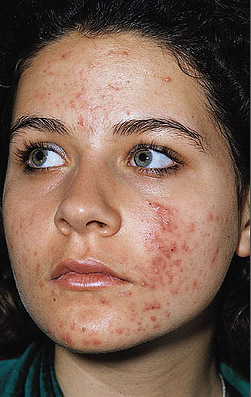
Sample Output:
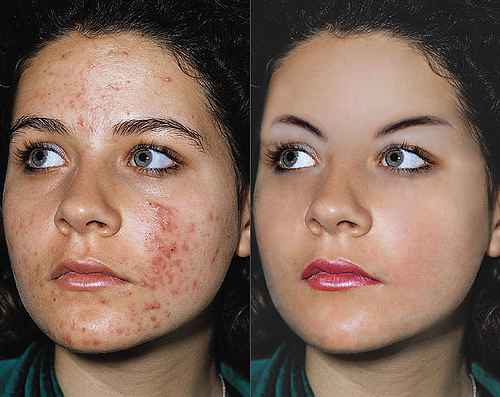
Procedures:
- Open the Adobe Photoshop and the pictures you will need.
- Click the Healing Brush tool icon
- Click on the skin you want to be your source by pressing Alt then click at the part you want to be you source.
- Click it to the part you want to change.
- Do it until you are finish
You are now finish