Projects One Through Four
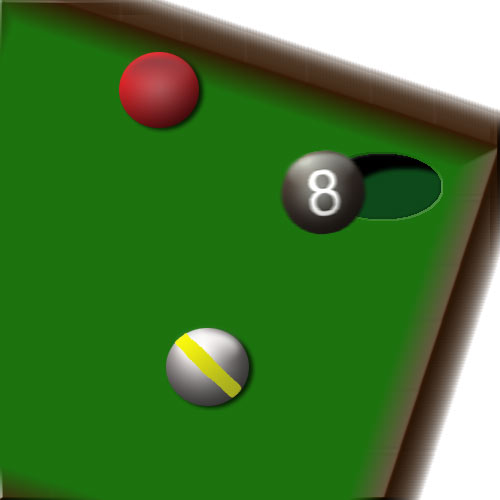 |
How I created this: First I made a new layer and created a green rectangle. I modified it to make it look as if it were slanted. Then I bordered the selection and filled it in with a brown color. I beveled and embossed the border in order to make it look like a pool table (kinda). I made the balls in seperate files by making a round marquee and filling it with a radial gradient with the lighter color starting in the middle. I created a new layer and did a linear gradient from the top down with foreground to transparent. For the hole, I made an oval marquee and filled it with black and added an inner shadow. I also added a motion blur to the 8-ball and lighting effects to most of the picture. |
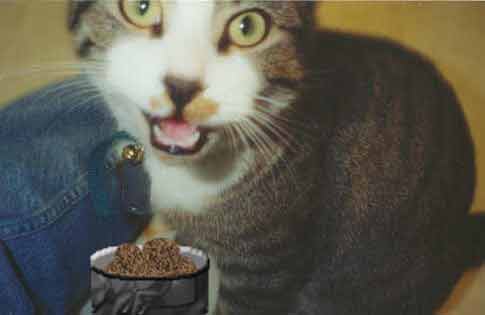 |
How I created this: I first made a rectangle marquee and two oval marquees to make a one dimensional cylindrical type shape. I filled it with a black color and added bevel/contour. I then made another oval marquee and filled it in with gray. Then I created several oval marquees off to the side on another layer in add to selection mode and subtracted the bottom to make the curve. I colored it brown and added specs of black with a paint brush. I added the film grain filter and moved it into place in the bowl. Then I dragged the bowl over to the picture of my cat (the pig) and put it in front of him. |
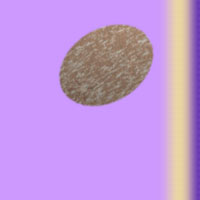 |
How I created this: The pattern was way more complicated than it should have been in the first place. I filled the screen with brown. I then made some splotches of green and gray with a paint brush and added a blur filter. Then I added film grain and to tell you the truth I used more filters than I can even remember and I don't think I want to make a kiwi again. The background was just the microtile that you showed us how to do, but turned around the opposite direction and I added more colors. |
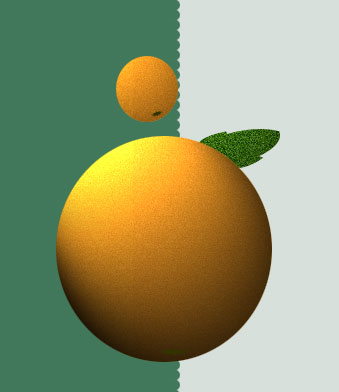 |
How I created this: The orange pattern was simply created by taking the orange color and adding film grain. Then I filled a new layer with yellow and lowed the opacity levels before adding more film grain. I created the background with 10 pixels height instead of the 1 pixel we used in class I colored the first half in completely and used the round brush to make the round shape at the end of the coloring. |