Here you will learn how to change the controller so that you will be able to use it on the computer.
This mod makes it so you can use it on the Xbox and Computer.
Also if you are going to install linux, you will need a keyboard that will connect up to the Xbox.
That is what this mod will do for you.
Before you get started:
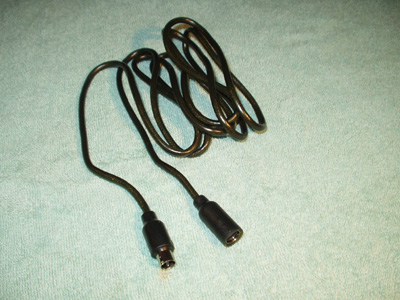
You will need an Extension Cable that has the brake away connecters.
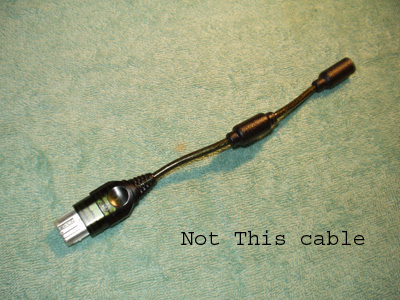
Not the one that replaces the small cable that comes with your controller.
I only know of the Pelican Extension Cable that has the two connecters you need, here is a picture of the two cables.
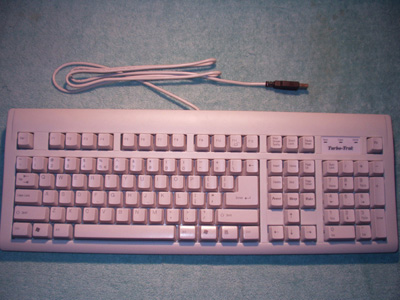
You will need a USB Keyboard. Any will work just as long as it has the USB plug on the wire and not a PS/2-to-USB converter.
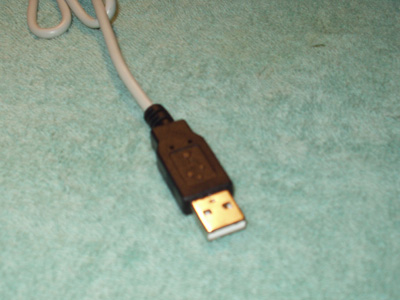
A soldering iron.
Wire stripers.
Electrical Tape or Heat Shrink Tubing (your choice).
Alright so you have the two items you need, now lets get to the fun part!
I cut the extension wire in half and striped off the outer covering,
unravilled the mesh and just cut it off. Then cutting off the foil
around the 5 inner wires and striping them so that you see the bare
copper wires. I put a little solder on each wire so that it kepted the little wires together.
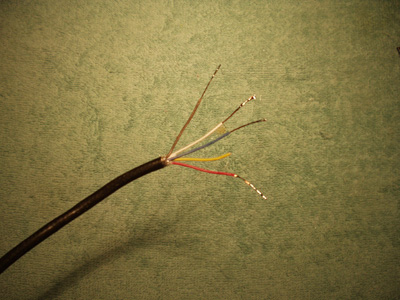
You may have noticed that the yellow wire was cut a litter shorter and
is not striped. That is because the yellow wire is not going to be used.
Some people say that it is for the rumble motors so they have their own
power, others say its for the light gun. I read that one person thinks it
is for the second ground because USB 2.0 has two ground wires and 1.1 only has 1.
So thats for you to pick what it is for. I like the idea that its the second ground
that sound like the closest thing to being right.
Ok, enought talk about that, lets get back to building this thing...
After you cut and solder the extension cable you will cut the keyboard cable
any where you want to.Then cutting off the foil around the 4 wires and
strip them so that you see the bare copper wires.

Before you start to solder all the wires make sure you are soldering the right
plug with the right plug/keyboard. Here are the USB_Pictures of the plugs.
The USB goes with the Female...........The Male goes to the Keyboard.
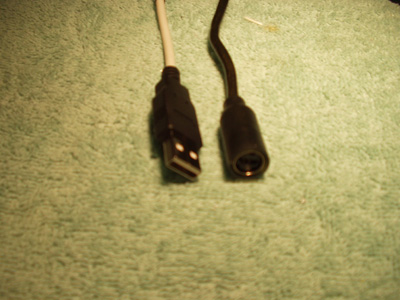
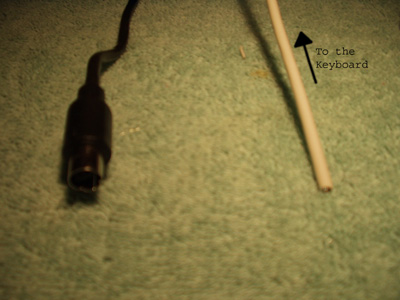
Then you should see four wires what you have to do now is connect the colors by
soldering them. In my case I have on the extension a Blue:Red:Brown:White:Yellow
with the USB being Green:Black:Red:White. I connect the Red-Red, Green-Blue, Brown-Black,
and White-White.
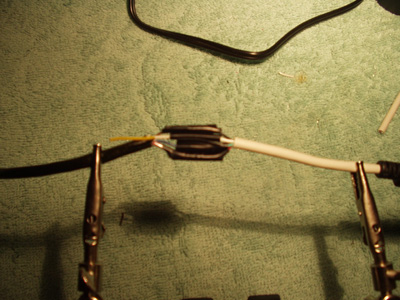
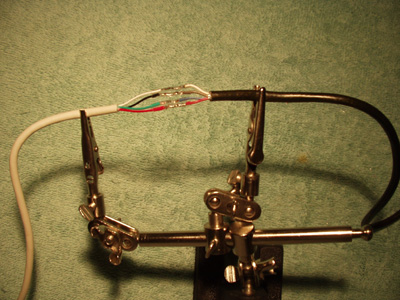
The USB and Female Plug..................The Male Plug with the Keyboard.
Now just repeat for the other depending on what you did first. The colors again are the same.
Here are the picutres of them finished.
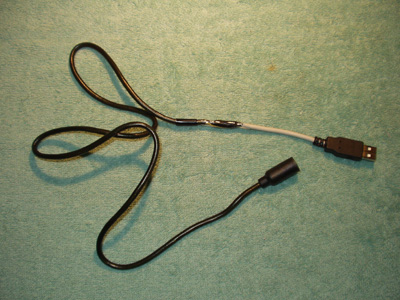
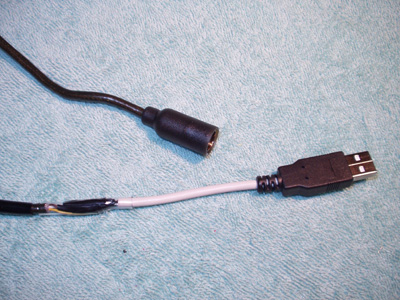
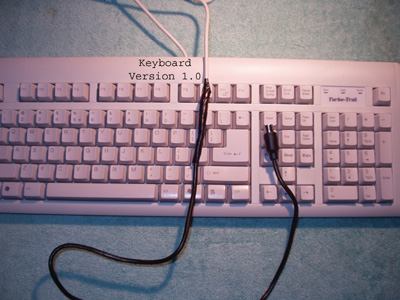
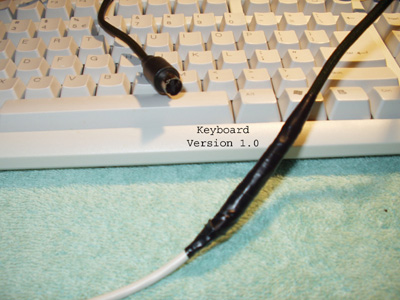
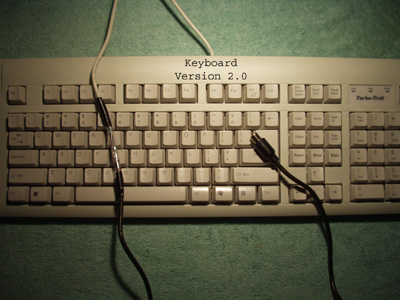
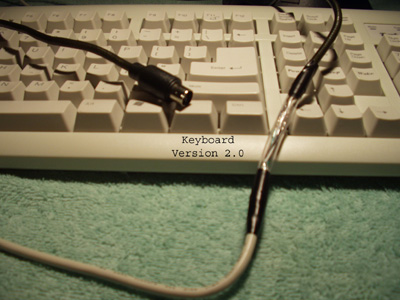
Version 1.0 of the Keyboard was just using Electrical Tape. V2.0 is all Clear Heat Shrink Tubing.
I have clear Heat Shrink tubing on all 4 wires and one big piece over the hole thing.
There you have it, a mod that allows you to use the controller* on the computer or Xbox
and a Keyboard** that you can use on the computer or Xbox.
* To use it on the computer you will need the "XHID Alpha Driver" from sourceforge.net.
**The keyboard is only for installing Linux on the xbox when moding it.
This site is best to be viewed at 1024x768 or larger.
The text and USB_Pictures on this site
are not to be taken with out permission.
Copyright © 2003, Kyle J. R.
URL: Home Page.