 |
 |
 |
 |
 |
 |
| DAZ STUDIO HELPS BRING YOUR IMAGINATION TO LIFE |
| TUTORIAL ONE |

|
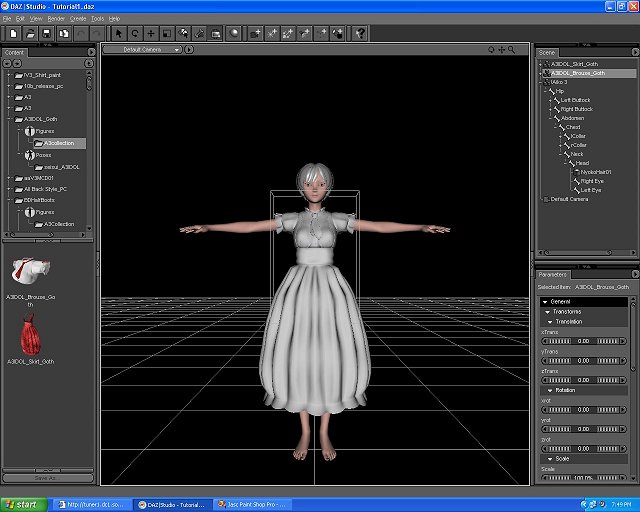
| Every image begins with an idea. 3D computer graphics programs allow you to create characters and place them within a setting or backdrop. These images can be rendered individually or as part of a series which may be used to create an animation. This feature shows how DAZ Studio brings your imagination to life. Here we see the transformation of a simple base figure into a full-fledged character. |
| Selected Resources Include: DAZ Studio, PC Version 1.3.1 DAZ Aiko 3.0 Figure Aiko 3.0 Nyoko Hair DAZ Aiko 3.0 Morphs & Maps DAZ Aiko 3.0 "First Moves" Poses DAZ Studio Lights Additional Free Content: A3 Idol Gothic by Seisui A3 Idol Collection by Yamato of ISOP V3 Carisma Body Texture by Vali My personal gratitude to all of the creative and generous folks who make the 3D communities so wonderful. You inspire me to give credit and pay it forward whenever possible. |
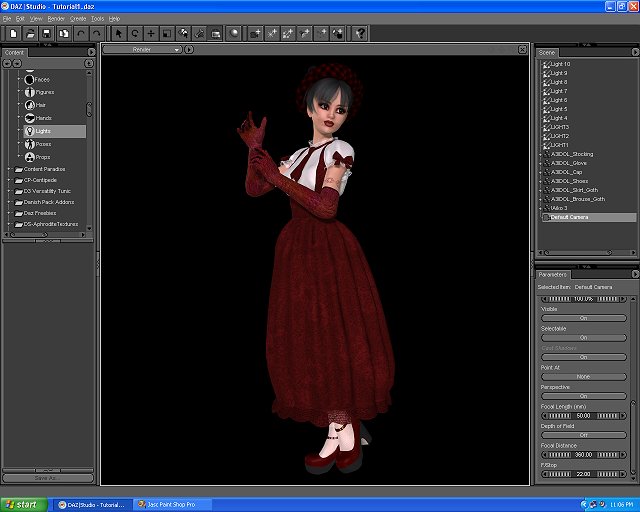
| Finally, I add lights and do a test render as shown here. This character is ready to be placed into a scene or imported into another program for further editing. If you feel inspired to try the same free program I use, I invite you to visit my free 3D Guide page for further information. Please Note: Base figures display artistic nudity until clothing is applied. Children under 18, please ask your parent or guardian's permission before downloading any program or file from the Internet. To Art Instructors and Educators: Please do feel free to contact me! I'd love to share what I've learned so you can teach your students about 3D computer art. May imagination and friendship guide you along your chosen creative path, Kai Matta of Le Chat Designs |
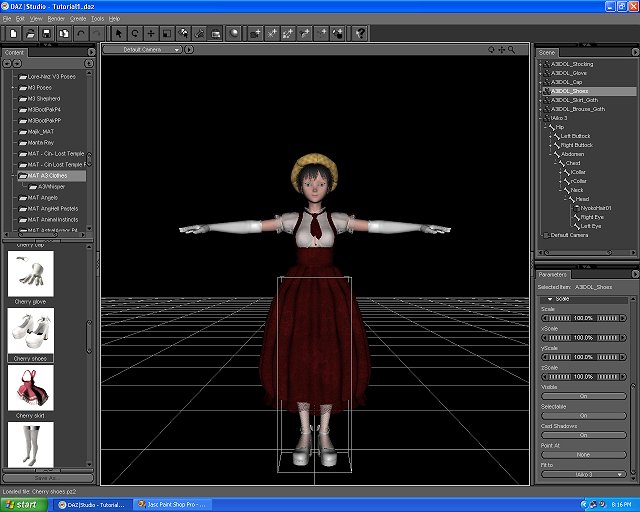
| DAZ Studio has customizable Interface Settings and Preferences that make it easy to import a variety of Poser content and apply it to your figure. Sometimes my figures go through a few outfit changes before I'm happy. Here, I mix and match various pieces from different sets until I find something that creates the character I want. |
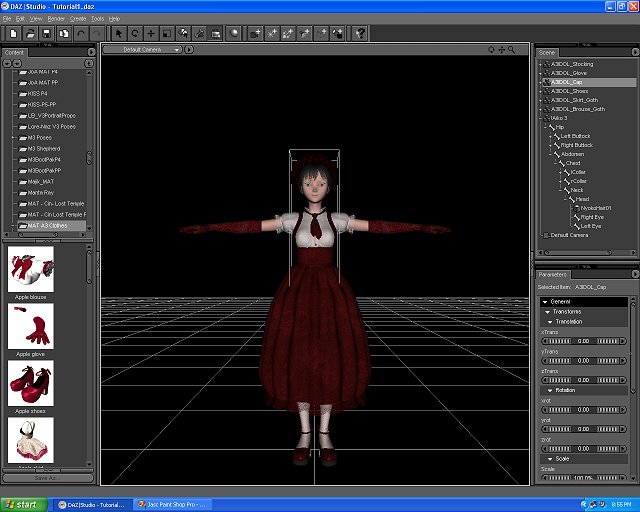
| Here's where I tweak the color and textures of the outfit. If you really feel a creative urge, you can create your own unique colors and textures. You'll need a painting or photo editing type of program that allows you to save your file in a format that can import back into DAZ Studio. Then you can then apply it to the clothing and dazzle your friends with your amazing creativity. I'm really beginning to enjoy doing my own textures and colors. This can be challenging work, but it's also a lot of fun because you get to create own unique styles. |
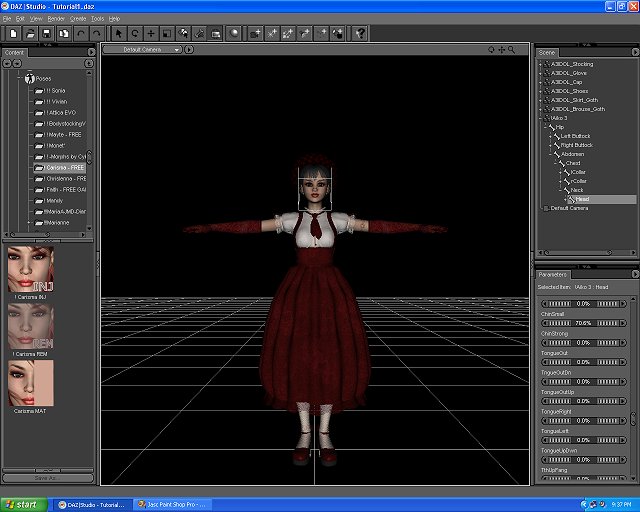
| Even 3D figures need a little help to achieve their beauty or unique style. Aiko 3 borrows a little of Victoria 3's make-up so she can look glamorous and cute. There are many ways to create 3D beauty and style, you can learn a lot by joining one of the 3D communities. The 3D communities share many tricks of the trade that are used by professional artists and content creators. You can join in fun, contests, mentoring and collaborative activities of a 3D community. Maybe I'll see some of you in my favorite communities soon! |
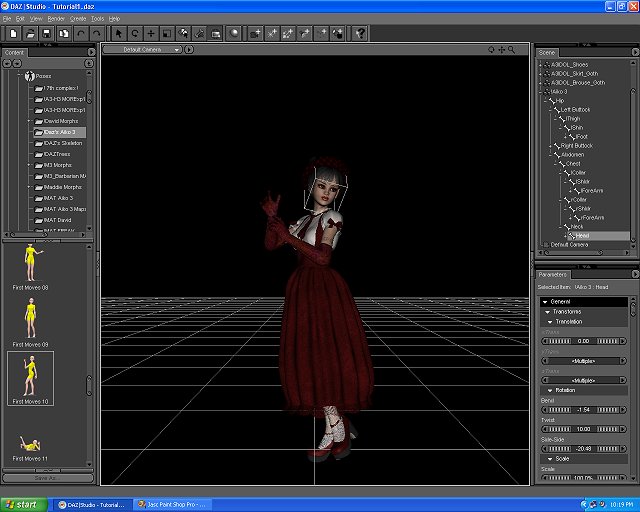
| Don't forget, figure posing helps your character express a mood or action. You can pose entirely from scratch or apply a pose from your content library and adjust it however you like. You might even try out DAZ Studio's Power Pose Tool that helps you pose figures with even greater flexibility. |

|