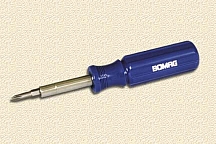
| STEP 1: Get out the tools you'll
need - Phillips screwdriver.
 |
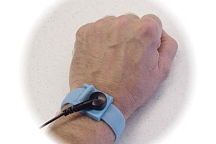
STEP 2: Ground yourself - static
electricity can kill your computer.
 |
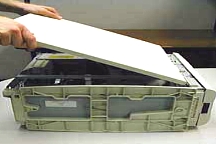
| STEP 3: Open your computer case -
don't lose the screws or your placement.
 |
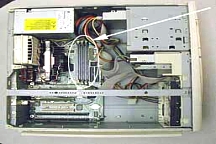
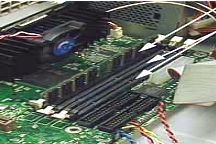
STEP 4: Find the memory slot - its
on the motherboard.
 |
| STEP 5: Remove the memory you are
replacing - if necessary or find a new slot
 |
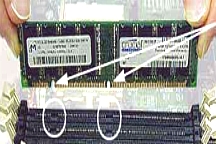
STEP 6: Install your new memory -
line up the notches, and push down.
 |
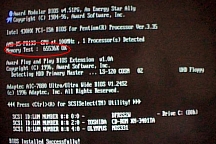
| STEP 7: Test it - turn on the
computer to see if it works.
 |
STEP 8: Troubleshooting - recheck
your steps. 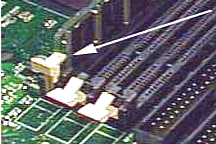
|
| STEP 9: Close your computer case -
make sure everything goes back.
|
!!CONGRATULATIONS!! |