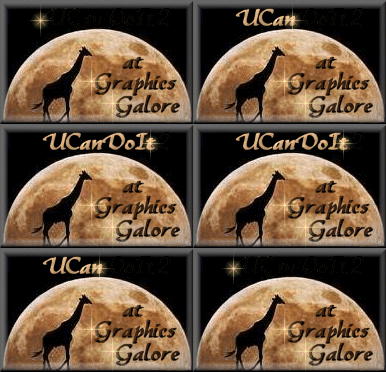
Animated Text
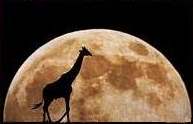
First get a pic you want to put your text on
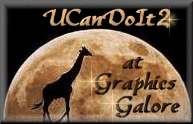
next i added the text and buttonised it then go to layers merge, merge all visable,
and added a sparkle tube on the last letter
now comes the hard part
you save that as psp1
then remove the sparkle from your last letter '2' and either erase or paint over the last letter '2'
put the sparkle on again but on the 2nd letter in the 't'
save again but as psp2
then you remove the sparkle and each letter and work your way along your letters saving again and again with sparkle on each letter then a final sparkle before the 1st letter just on its own that should make 10 files you have saved psp1 to psp10
Next go to animation shop..from file chose animation wizard
press next,
transparent ticked, next,
tick upper left corner and canvas colour, then press
next
tick yes repeat animation, 20 then next
then press add images add psp1 psp2 psp3 psp4 psp5 psp6 psp7 psp8 psp9
psp10 etc i also added them again backward to get this effect
so your list of images added should look like this
psp1 psp2 psp3 psp4 psp5 psp6 psp7 psp8 psp9 psp10 psp10 psp9 psp8 psp7 psp6 psp5 psp4 psp3 psp2 psp1
then press
next then finish
your animation now should be in there, press run
animation to see it and save your animation