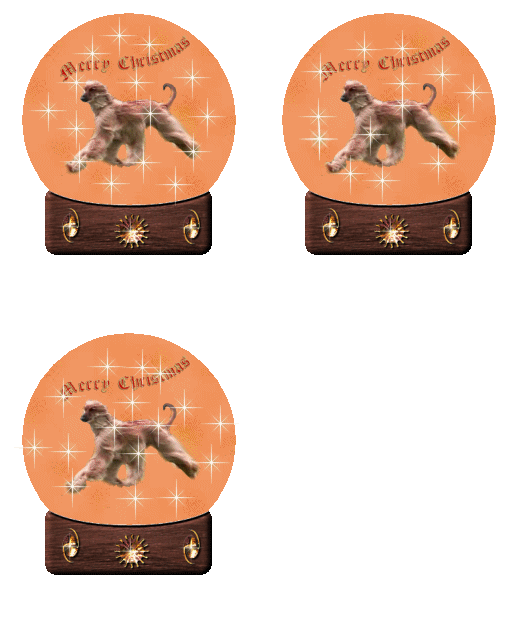
Snowglobe
You will need a picture, base and a sparkle tube
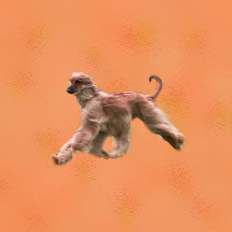
I put one of the dogs on a background to make this globe
 download a base tube and put in your tubes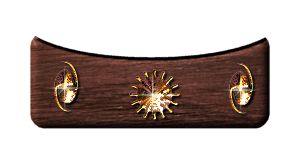
download a sparkle tube and put in your tubes
Open picture in psp, go to
selections, then tool
options, choose feather 0 antialias ticked,
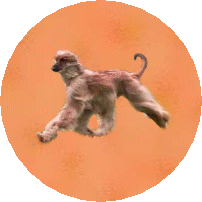
Draw circle round the bit of pic you want,you will
have marching ants!!!
Now go to file open new, make sure its big enough to
work on,
right go to pic,then copy, now go to new file you just
open and paste as new layer,
you can now close original picture.
now add your base from your tubes
you will have to fiddle around with the sizes to get just right and add anything
else you wish to the pic
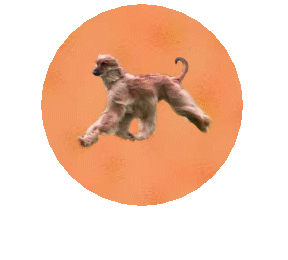
go to layers merge, merge all visable,
now u can close both globe and base,
now go picture tube, choose sparkle add to your
globe several times, then go to file save as psp1
now go to edit undo all sparkle tubes
now redo tubes, then go file save as psp2
go back to edit undo all tubes
then repeat again and save as psp3
now go to animation shop
then file then animation wizard,
press next,
transparent ticked, next,
tick upper left corner and canvas colour, then press
next
tick yes repeat animation, 20 then next
then press add image add psp1 psp2 psp3 then press
next then finish
your animation now should be in there, press run
animation to see it,
then go to file save as , name it, then press next,
then next,then next then finish, hahaha thats it