

Saving your pictures
Just a few basics here that we hope will help you
First wherever you save a picture from it must be a .jpeg or .gif

To save a picture from any
internet pages you need to click on the picture with your right mouse button.
Then you will get a menu like this one.
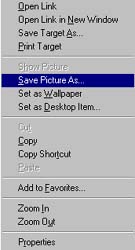
Now click on the "Save
Picture As". Then a "save picture" box comes up like this one.
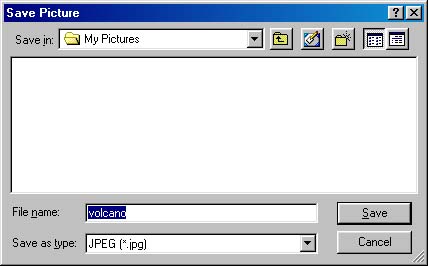
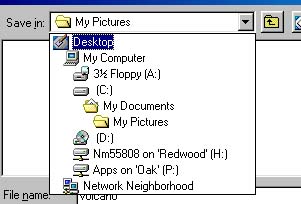
Choose a place to save the
picture. Check the "save in" choice of the "save picture dialog box". Save the
picture in the my pictures folder.
Give your photo a name. Type the name you want in the "File name" field.
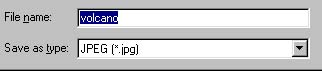
Now all you have to do is click on the "Save" button, and you are finished saving the file

