
GFX
Tutorials
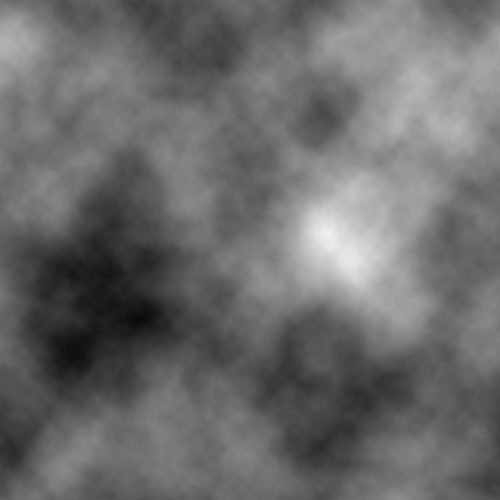
Once you've done that go filter>stylize>find edges to get something similar to the image below.

|
|
|
|
|
|
|
|
|
|
|
|
|
|
|
|
|
|
|
|
| Home GFX Tutorials |
|||||||||||||||||||
| Army Background | |||||||||||||||||||
| This tutorial will teach you how to make an army background. Start off with a document of any size and default colours. First, go filter>render>clouds. Once you've done that go filter>stylize>find edges to get something similar to the image below. |
|||||||||||||||||||
|
|||||||||||||||||||
|
|||||||||||||||||||
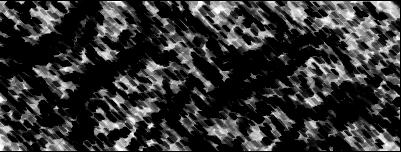
| Having done that, now go filter>sketch>chalk & charcoal with the settings - Charcoal aread- 6|Chalk area- 6|Stroke Pressure- 1. | |||||||||||||||||||
|
|||||||||||||||||||
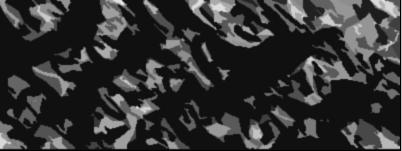
| Now onto the last filter, go filter>sketch>cutout and use the default settings to get something that looks like the below. | |||||||||||||||||||
|
|||||||||||||||||||
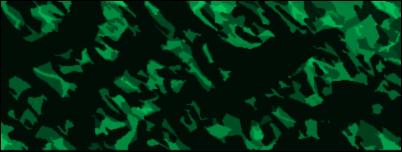
| To finish it off, add colour, ctrl + u and then use the following settings; 148|100|-47 to get an army like green colour similar to the one below. You are now finished and should have something that looks like. | |||||||||||||||||||
|
|||||||||||||||||||