
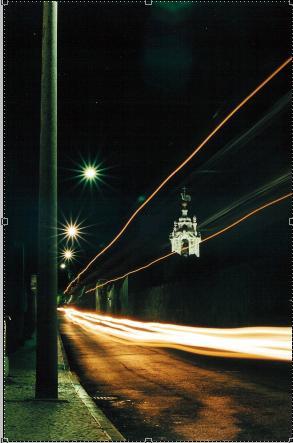
First, create a new layer(ctrl+shift+n) and name it Rain.
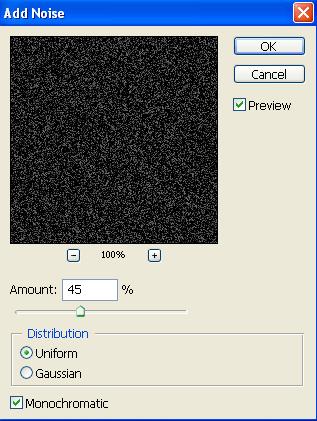
Once you've done that fill it with a black background, and then go filter>noise>add noise... and enter the settings that are similar to the ones below.
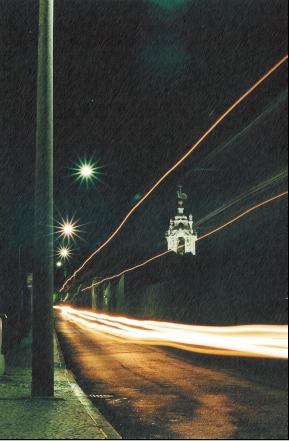
Finally, set the blend mode of the rain layer to screen and you should have rain added to the image.
GFX
Tutorials