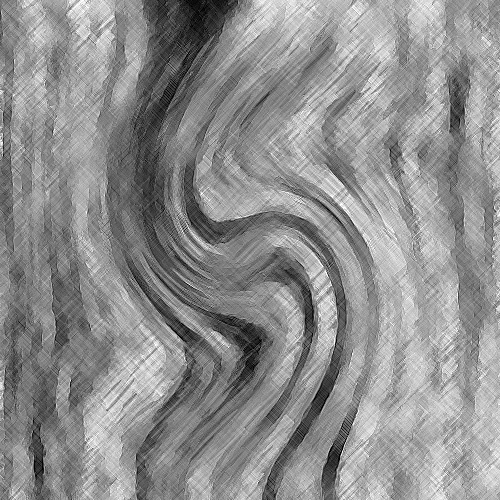
2. Go to filter>render>fibres and use the default settings for it.
3. Now go filter>distort>twirl and set the angle to - 146 degrees.
4. After that go filter>texture>texturizer and use the default settings.
5. Now go filter>artistice>coloured pencil and again use the default settings.
6. Use filter>noise>median to smoothen the image out a bit.
7. Then do filter>artistic>watercolour and use the default settings.
8. Once this is done go image>adjustments>equalize.
9. For the final filter go filter>stylize>solarize.
10. As for the finishing touches, ctrl + u to colorize and if you want what I have go 0|48|-51. You can also add scanlines and a border to finish it off.