GFX
Tutorials
2. Now go filter>distort>wave, click randomize a few times and just choose any.
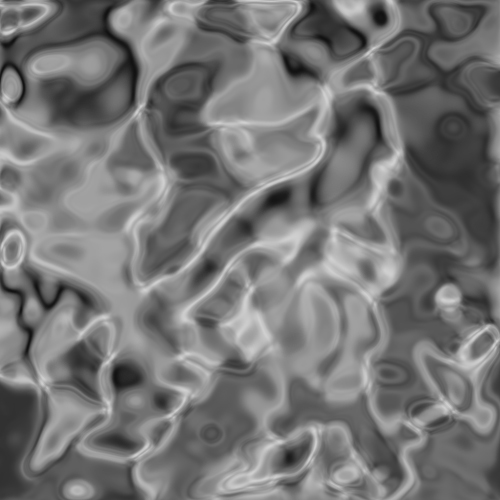
3. After this go filter>sketch>chrome> and set it so the detail is 0 and the smoothness is 10.
4. Next go filter>distort>glass and set the distortion to 2 and smoothness to 6.
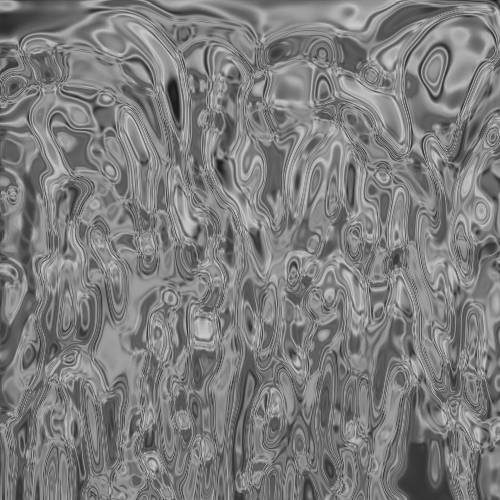
5. Go to filter>distort>lens correction and change the remove distortion to -12.00.
6. Filter>Distort> Ripple and keep the settings to default.
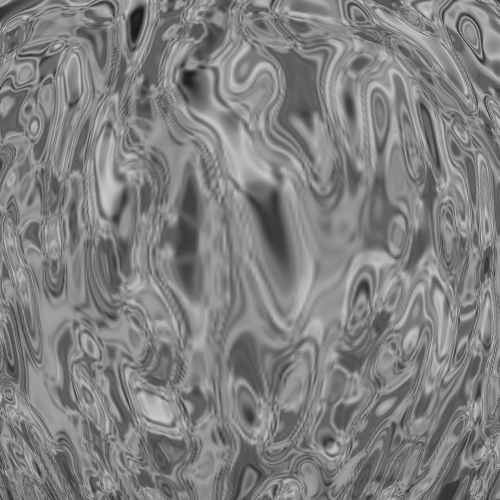
7. Now to make it circular go to filter>distort>polar co-ordinates and set it to rectangluar to polar.
8. Now gently go over the line going down the bottom with the spot healing brush.
9. Now to get the colour colorize(ctrl + u) I used 0|69|-47.