| How to make a good brush | |||||||||||||
| Home GFX |
|||||||||||||
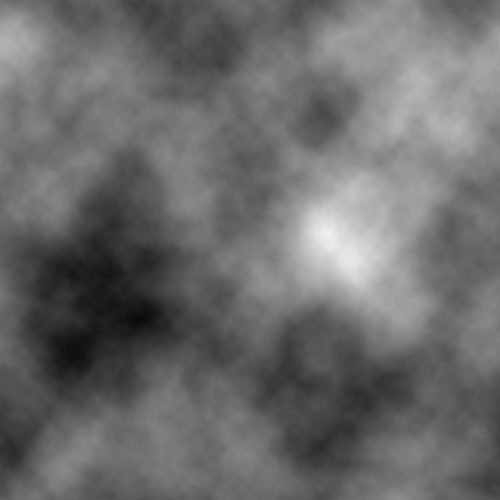
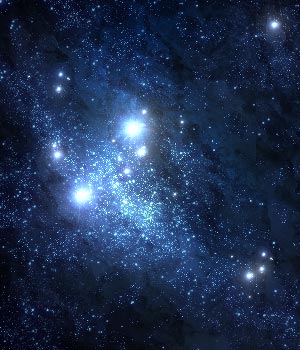
| This tutorial is a quick tutorial that'll teach you how to make good brushes for photoshop. First get a good stock image, make sure its not to complicated and something you would like to see in a brush, I am going to use the image to the right for this which you yourself can use. Now oepn up a new document with the size depending upon the size you want your brush to be. Now press D to set your colours to default, now go to filter>render>clouds to get something that looks like the below image. |
|||||||||||||
![]() |
|||||||||||||
| This is where the stock image comes in copy and paste it into the file with the already filter>render clouds and resize to fit in the image. And once you have done set the blending mode of the image to overlay to blend it in. Once you have done that go to Edit>Define Brushset and give the brush a name such as for this one stars. That's how easy it is to make a good brush. | |||||||||||||
![]() |
|||||||||||||
![]() |
|||||||||||||