Tutorials
Pictures
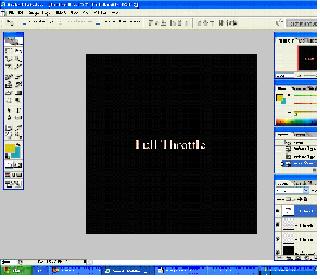
2. Now duplicate that layer twice, and change the colour of one to red and the other to an orange/yellow colour. Then rasterize those two duplicated layers.
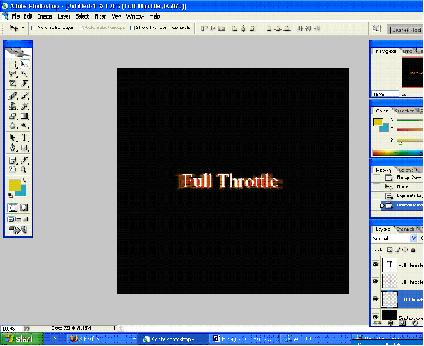
3. Now select the red layer and go to Filter>Blur>Radial Blur and do the same with the orangey yellow one. Repeat this until you�re happy with the result.
4. Now, by right clicking on the layer on blending options, on the white text layer create an orange outer glow, an orangey yellow gradient and a white stroke.