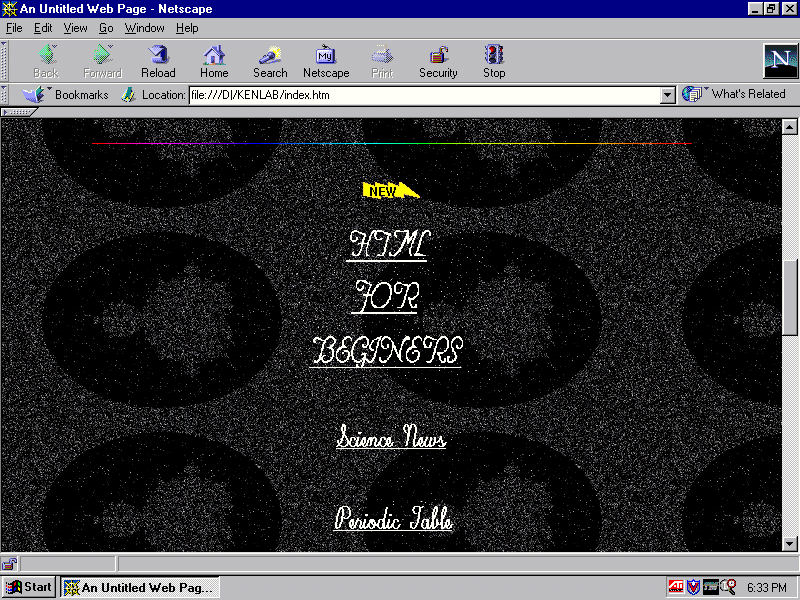
There used to be 4 ways to scroll through a document, but now there are a few more:
The first is to click on the top
 or bottom
 scroll buttons, progress will be indicated by the movement
of the slider. (These buttons will move the page and slider a little at a time)
scroll buttons, progress will be indicated by the movement
of the slider. (These buttons will move the page and slider a little at a time)

The second is to click either between the top button and the slider, or between the bottom button and the slider (Clicking here will move the screen a page at a time)
The third is to move the curser on top of the slider, click , hold, and drag the slider in the direction needed.
NOTE: Sometimes you may have to scroll from side to side of a document, these left or right buttons, and the slider can be found at the bottom of the page, but it's only there if it's needed
The fourth is by using the arrow keys on the keyboard.
Our new computers come with a wheel mouse, fairly new technology, to use a wheel mouse, you need to select the field you wish to scroll, if there are more than one field, by clicking ounce in that field, then turn the wheel on the mouse in the desired direction.
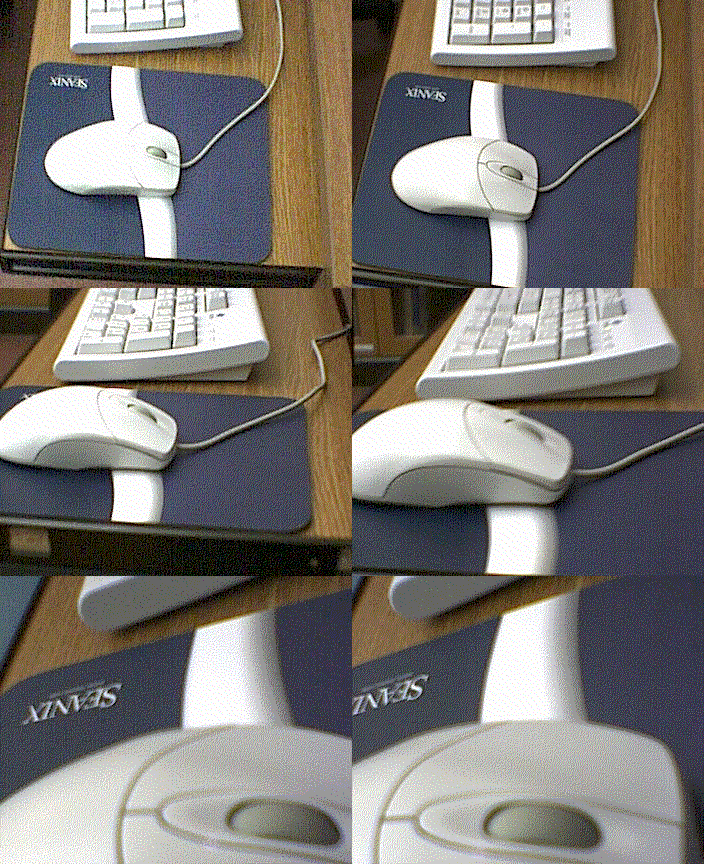
Another way is to click on or push down on the wheel, a round graphic will appear, with arrows, moving the mouse in the direction of the arrows will scroll the page. This way can be great if you have a really long page, and wish to scroll quickly through the page.
� Copyright 2002 Carnegie Learning Centre.