| Object |
Picture |
Prefix |
Use |
Some Properties |
| Form |
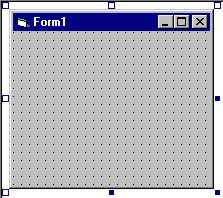 |
frm |
program display, where objects are placed |
caption, size (width, height) |
| Command Button |
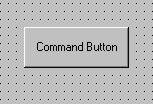 |
cmd |
a button that the user can click to perform a function in the program |
caption, font, backcolour, size (height, width), location (top, left) |
| Label |
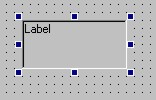 |
lbl |
place where information can be displayed in a read-only format |
caption, font, colour, size, location |
| Text Box |
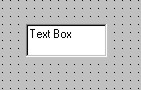 |
txt |
object that allows user to enter data |
text, enabled, visible |
| Frame |
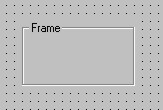 |
fra |
place that option buttons are placed, allows only one option button to be selected at one time |
caption, size, location |
| Option Button |
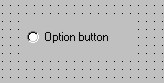 |
opt |
allows user to select one of a designated number of options |
tab index, enabled |
| Check Box |
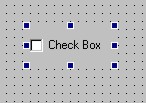 |
chk |
allows user to decide yes or no, right or wrong etc. |
default, enabled |
| Vertical Scroll Bar |
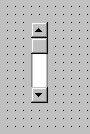 |
vsb |
allows the user to scroll through data, or change appearance or other properties; runs up and down |
value, mid, max, small change, large change |
| Horizontal Scroll Bar |
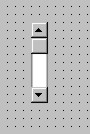 |
hsb |
same as vertical, but runs left to right, not up to down |
value, mid, max, small change, large change |
| Image Box |
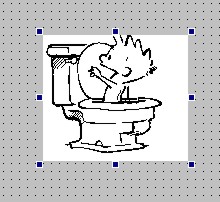 |
img |
allows pictures to be placed on the form |
picture, size, location |
| List Box |
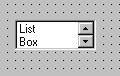 |
lst |
allows user to select one of a list of things |
list, text |
| Combo Box |
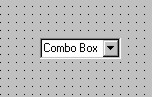 |
cbo |
allows user to select one of a list of things, or enter what they please |
list, text |