|

Welcome to my lesson two! In this lesson I was to take a picture and create seamless backgrounds with it. I used flowers like the following
and created my heading above, then I chose the following colours to create my backgrounds.
Below are the numbers for each colour:
#F0C190
#A95563
#FFD3EF
#701C50
#98B889
My top background was created with the medium pink and a paint engine filler called bloom. The different shades of pink/purple were used to create my patterned background, to create it I used my ripple filler.
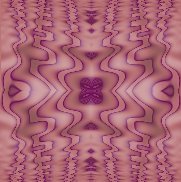 I then used the dark purple and light pink to create a gradient which I then used as a border.

I also used the light pink to create a bar, and as my font colour. My font used is garamond, and for my heading and home button I used the font Champange. A smaller flower was used to create the Home button.

  
| 