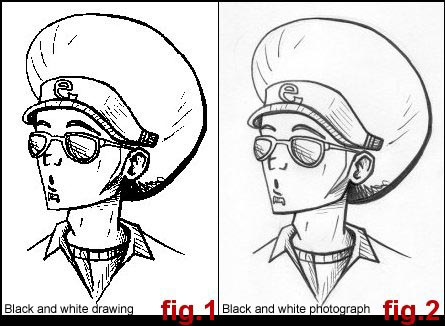
1. When you scan your inked drawing, scan it as a black and white photograph
instead of a black and white drawing.
See the difference below.
It is easier, I find, to clean up fig. 2 then fig. 1.
2. Open your newly scanned drawing in Photoshop 6.0.
Image>Adjust>Brightness/Contrast�
Adjust the brightness and contrast until your picture is a good, solid black and white.
For the picture below:
Brightness: +50
Contrast: +50
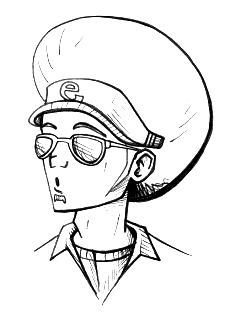
You now have a clean scan to work with.