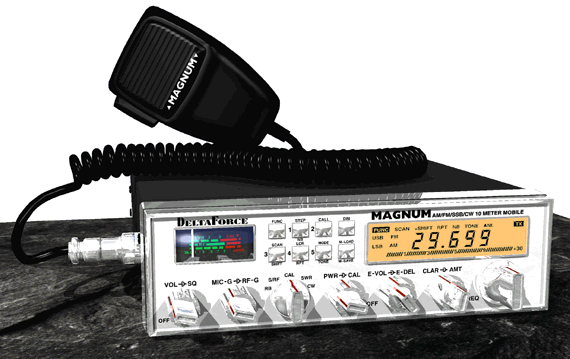
| Magnum Delta Force |
 |
 |
| Frequency Modification 1) Locate the small CPU reset board located near the rear of the radio on the left side. 2) You'll notice a set of jumpers marked CON1 to CON4. Make sure only CON2 has a jumper. Remove all others. 3) Press and hold the CPU reset button thats next to the jumpers for about 15-30 seconds. When you first turn on the radio, it defaults to 10 meter. To get the extra channels, press the "FUNC" button once, then press and hold the "CALL" button for about 3 seconds. To switch the bands, press the "CALL" button. To toggle between frequency and channel display, press the "FUNC" button once, then the "CALL" button once. You may remove Q142 for more modulation, but it may "warble" on SSB. RV116 ALC RV117 AM Low Power RV118 AM High Power RV119 AMC |
|