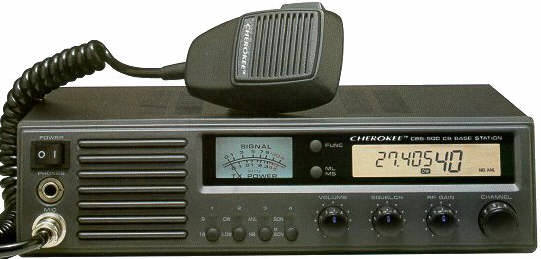
| CBS 500 |
 |
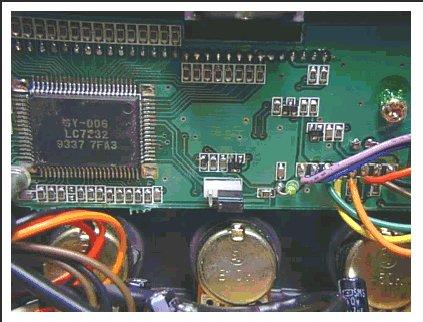
| 1) Remove the top cover. 2) Look at the back of the faceplate circuit board and there is a jumper connector. (See Pic) 3) Move this jumper off of the pins that it is on now and put them on the other 2 pins. 4) Replace the top cover Once the channel modification has been done press channel 9-19 button and then turn on the radio. After this mod use the number "1" button to select different bands of 40 channels. (Coverage from 25.165-29.665Mhz) |
 |
 |
|