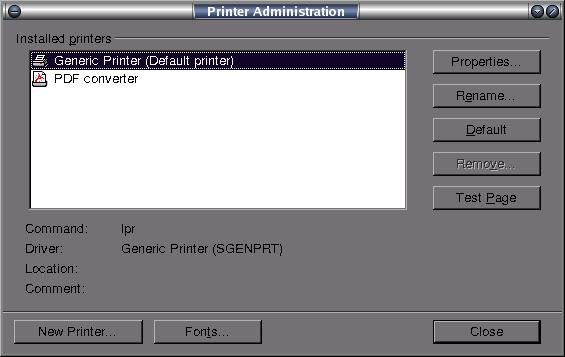
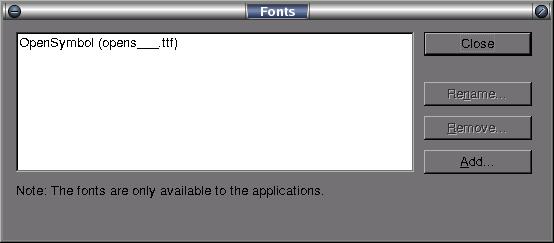
For installing a new font with .ttf(true type font) extension follow the steps
below:
Go to the folder /usr/lib/openoffice/program
& click on the file named spadmin.bin.
Now click on the button named Fonts on the newly opened
window having title Printer Administration.
Now click on the button named Add on the window having
title Fonts.
Now you have to browse to the folder where actually your true type font files,
that you want to install, are located in the Source directory
field, & then select the font files from the rectangular field above
the Source directory field &
click OK.
Now you can type in the newly installed font provided you have restarted open
office if it was previously running.
You can download some font files from the
Downloads section of this
website.
Note : Only a copy of the original .ttf files will be created in the following
hidden directory of your home folder :
/home/guest/.openoffice/user/fonts (if your username is
guest) unless you have checked the check box below the Source directory field having title Create
soft
links only. In this case a link(shortcut) to the original .ttf files
will be created in the above mentioned hidden directory.
The original font files will remain unaffected after the installation in both
the above cases.