T
he
P
ast
M
aster
C
lub
3D STUDIO WIZARD R2
advanced computer training for engineers
Author
:
Klaas Van Fleet
3D STUDIO VIZ R2 TRAINING CURRICULUM
Animating a Heliplane
CREATING THE PROPELLERS
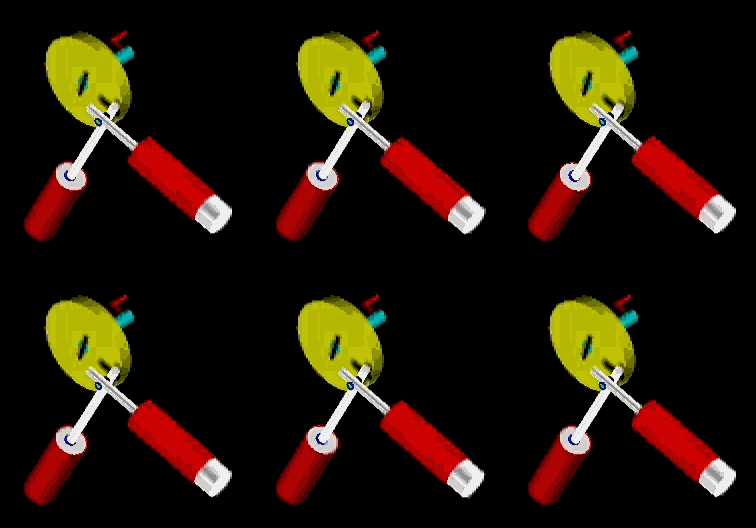
Open MOTOR.MAX or create the above motor.
While the 'Front View Port' is active create a PropHub by clicking the
Create button on the right side panel menu, then clicking the
Geometry button, and then clicking the
Cylinder button at right.
Make sure that 'Standard Primitives' is selected
Change both the Radius slider and the Height slider to 120.
Change Cap Segments slider to 2.
Change Sides slider to 40.
Be sure that Smooth is checked.
MAIN
MENU
HOME
PAGE