Since I am not very familiar with the "Washing Task" I consulted the Maytag webpage and looked at how thier washing machines function. The washing task starts by first having the clothes and the soap(in any of it's various forms and names) loaded into the washing machine. Then the lid or door is shut. Once that is done the user selects from a number of load types. The Maytag "Atlantis" uses three: Whites, Colors, and Delicates. After one of those is selected the user then picks what size load they have. The "Atlantis" lets you pick from Light, Normal and Heavy so I will use those also. After that, the user will confirm the selection on the screen. The washer will then start. While the washer is going, the screen will display the current place in the cycle (pre-rinse, rinse, spin, etc) and will display the time left until the washing finishes. Also displayed at this time will be a cancel button that the user can use at any time to pause the wash. That would lead to a screen that would allow the user to restart or cancel the wash.
#2-Implementation of the Washing Machine
I have made a somewhat working version of it in html: Semi-Working HTML Version of Interface.
A couple of the pages have comments, read those because without them it might not totally make sense. Below explains how everything should work.
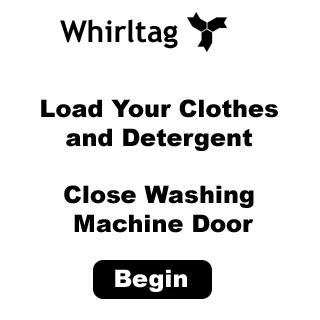
The first screen which is displayed while the washer is not in use will tell the user to
go ahead and load the clothes and detergent and close the door. After the door closes the "Begin" button will apear on the screen.
When the user presses it they continue to the next screen.
The marketing Department also
insisted that the company name should be displayed to remind the user they are using a Whirltag.
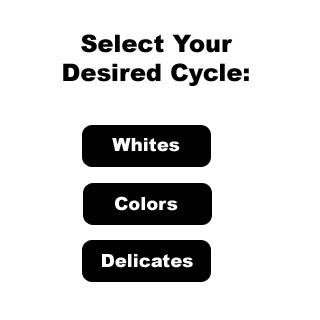
The next screen the user encounters is the Cycle Select screen. Here they select whether they are washing Whites, Colors, or delicates. After they make their selection, thier selection is saved in memory and they move to the next screen.
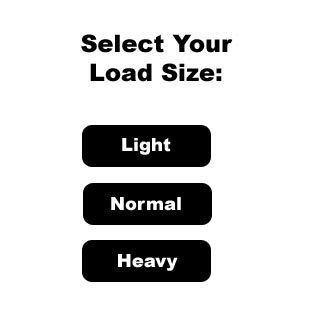
The next screen is the Size Select screen. Here the user selects how big their wash load is. They can pick from Light, Normal and Heavy. After they press one of them, the selection is saved in memory and they move to the next screen.
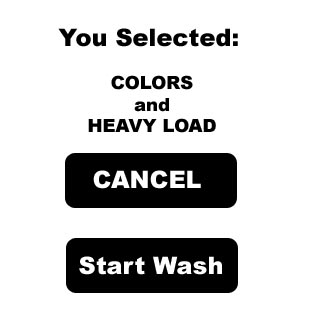
Next the Washing Machine comfirms what the user has entered. It gives them a choice of Confirming the selection, or Canceling the Selection. If they decide to Cancel they are returned to the initial intro screen. If they confirm then they move to the next screen. The screen below is just one possible because of the different combinations of cycles and load sizes.
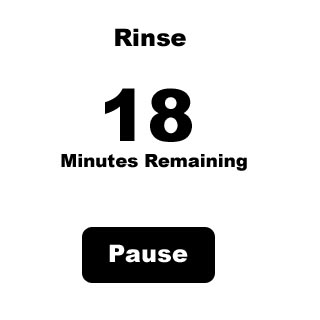
While the clothes are being washed the display shows how much time is left, where in the cycle it is, and the Pause button. This screen is displayed until the pre-set timer for washing runs out or the user presses the Pause button. Opening the washer lid during the process of washing does the same as if the Pause button were pressed.
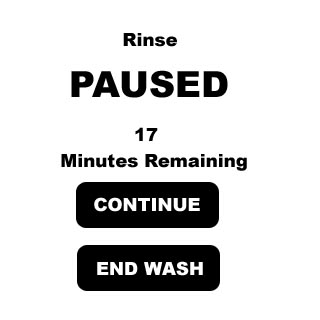
This screen is displayed if the user presses Pause or opens the door during the washing cycle. If they press Continue then it will go back to the last screen. If they press End Wash then it will take them to a new screen to confirm it(the next screen on the page). The lid must be closed in order for the washing to begin.
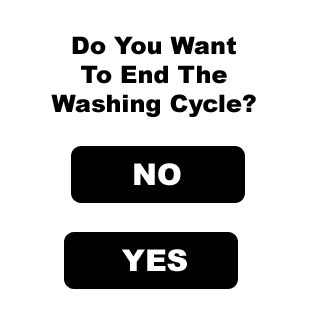
This screen is produced when the user selects to end the wash cycle. When they push NO they go back to the previous screen. When they push YES, they go back to the intro screen and wash cycle ends.
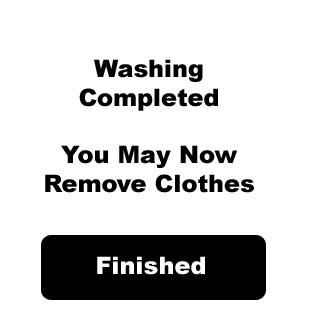
When the Washing Cycle is complete this screen is displayed. It goes back to the intro screen when a weight sensor in the Washing Machine indicates that all the clothes have been removed or the user presses Finished.