 |
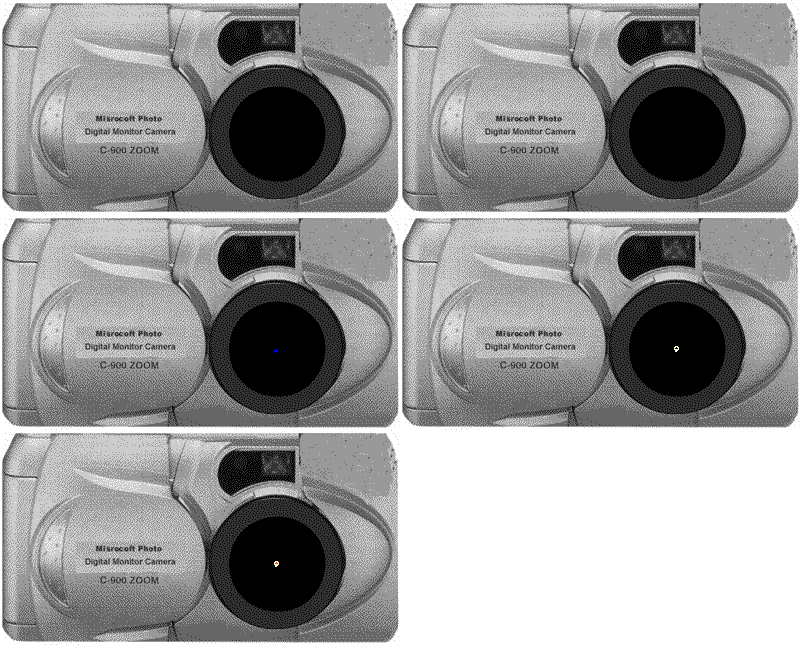
Look directly into the activated object. * Push "Take Photo" - below with your cursor/mouse. * Don't forget to smile at the "camera." Because this is a beta-version (trial version) you won't see any change of the "camera." But the picture will be shot the very sec. you activate the button! Don't move, while the "camera" is working, but look at the twinkling spots in the lens. |
