Screenshot of the File Renamer screen
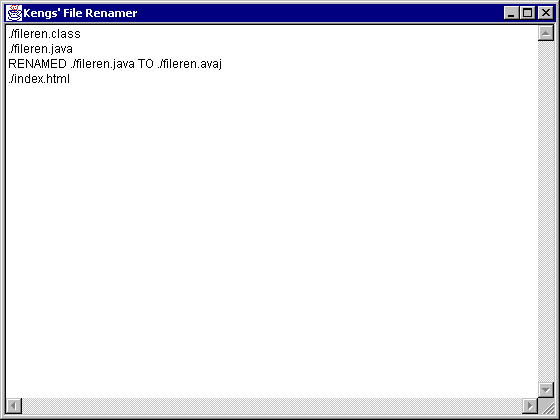
File Renamer is a utility that you can use to rename files with extensions into files with reverse extensions. This utility renames all the files in subdirectories, too, making it easier for you to rename files!!! Not only that, it also lets you specify the extensions you want to rename!
E.g.:
All .gif files in your directory will be renamed .fig
All .bat files will be renamed .tab
If you make a mistake and rename unwanted files, no problem - just run File Renamer again!
Screenshot of the File Renamer screen |
|
Click here to download the File Renamer .class file.
New!! Click here to download the File Renamer source code. New!!
        java FileRen <directory> <extension1>
        <extension2> ...
java FileRen /usr/home gif jpg