How to play Zelda on your Computer
NOTE: Downloading and playing roms on your computer is illegal in most contries of the world, allthough roms themselves are not illegal per se.
To play Zelda on your computer you'll need two things: A) a copy of the Zelda 64 rom and B) A Nintendo 64 Emulator. Finding a Zelda 64 rom on the internet is not very hard, although you might need to search the p2p networks.. As for an emulator, I personally recomment the Project 64 emulator which can be downloaded here.
Now follow this simple step-by-step guide to get going.
Step 1: Downloading |
|
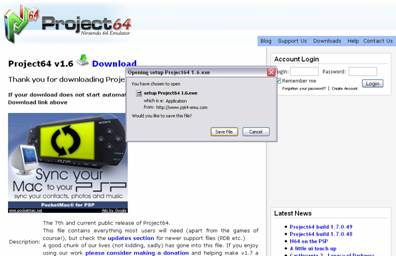 |
Download the Project 64 emulator installer binary. |
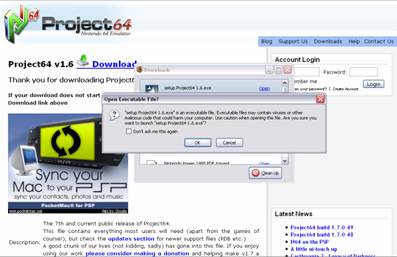 |
And run it. |
Step 2: Installing |
|
|
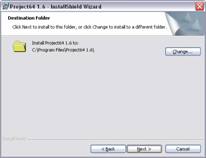
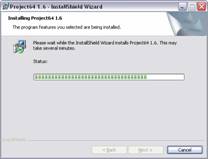
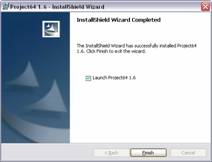
The default options should work fine. |
Step 3: Running |
|
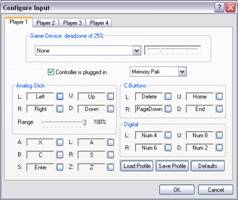 |
To view/change the control scheme, press Options - > Configure Input |
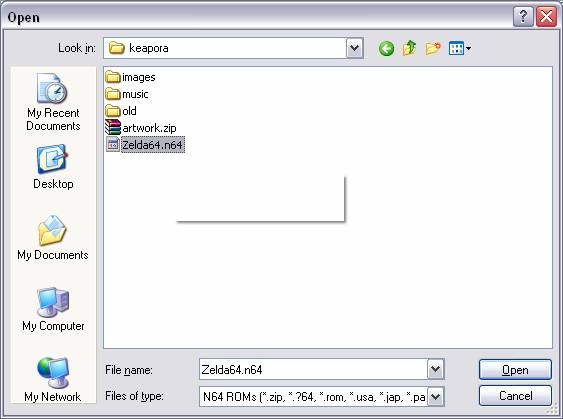 |
To load a rom, press File->Open, browse to the directory your rom is located and then double click it. |