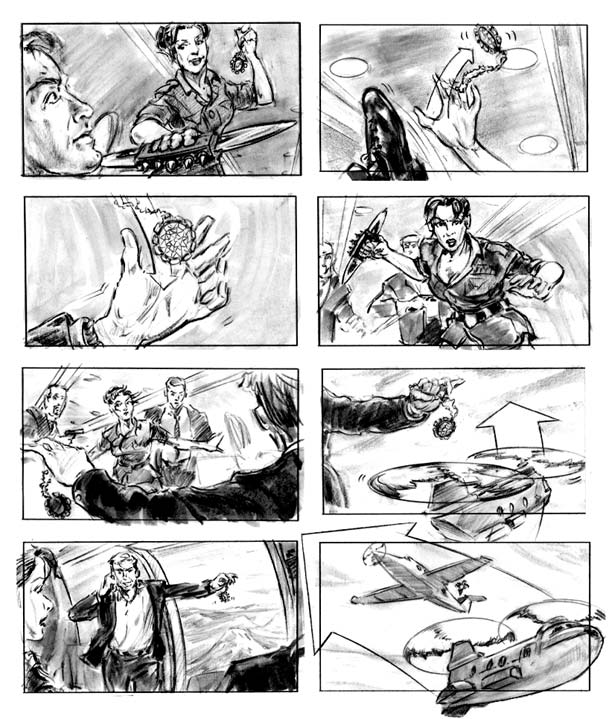
| Now that you have your script ready, draw out a storyboard to see if you like the way it is organized. A storyboard is meant to help organize and show changes in a film, television show, or a commercial. You can use the storyboard to show the steps and development of your story. Check out this cool link for an example to get an idea of what you have to do: Storyboarding. To navigate through the pages, scroll to the bottom. As you will see, a storyboard is a series of simple sketches with little or no dialogue that enables the person putting together these scenes to see how things might or should be. You can choose to create a storyboard scene by scene or decide which scenes are crucial in telling the story so that it makes sense. The choice is yours. This site also has a LOT of cool storyboards. In color too! Click to check it out: More Storyboards! This site is also pretty neat, there is also a tutorial with links on how to draw- if you're interested: click on the storyboard artist. |