
by: Kat
Created: April 14, 2006
|
|
|
|
|
|
|
|
|
|
|
|
|
|
|
| Close-Up Fire Explosion Texture by: Kat Created: April 14, 2006 |
||||||||||||||
| Objective: This tutorial with show you how to make a texture that resembles a fire explosion up-close. | ||||||||||||||
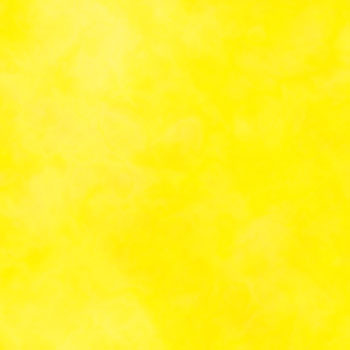
| 1. First, open a new document, 350x350 seems to work best for this tutorial. Change your foreground color to fff200 (pure yellow) and the background to fff799 (pastel yellow). Then go Filter>Render>Clouds, then Filter>Render>Difference Clouds. Reapply difference clouds 20-25 time by either clicking Filter>Render>Difference Clouds at the top over and over, or clicking Ctrl+F (Command+F for Mac users). You should have something like this: | ||||||||||||||
|
||||||||||||||
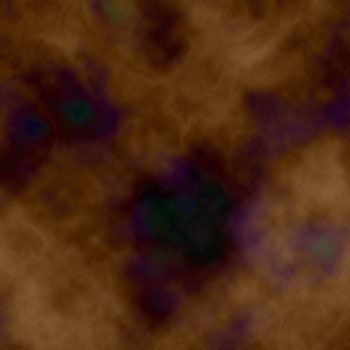
| 2. Next, add a new layer. Do this by either going Layer>New>Layer, clicking on the paper with the folded tip icon on the bottom of the layers palette, or go Shift+Ctrl+N (Shift+Command+N for Mac users). For that layer, change the foreground color to 603913 (Darker Warm Brown) and the background color to a57c52 (Light Warm Brown). Then go Filter>Render>Clouds, then Filter>Render>Difference Clouds, and apply 20-25 times, using one of the options as used in step 1. When finished, you should have something similar to this: | ||||||||||||||
|
||||||||||||||
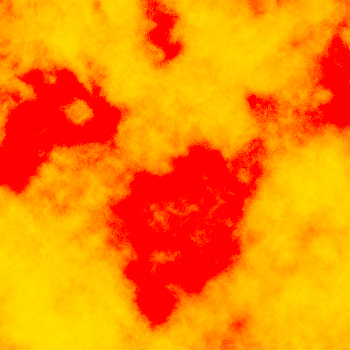
| 3. Now change the blending of the top one from "normal" to "color burn." That's it...you're done! You now have an image that resembles a fire explosion close-up. Thanks for trying my tutorial! :) | ||||||||||||||
|
||||||||||||||