
All executable files of this example require that the MFC library DLL file MFC42D.DLL would be present in your Windows/System directory. If you don't have this file then the examples won't run.
You register the Automation class OutputCOMEditor simply by running OutputCOMEditor.exe once on your computer. You have to do it before running any of these demos.
See the implementation here.
Run the leftClick.exe . It opens two windows entitled OutputCOMEditor and leftClick. When you left click in the client area of the leftClick the OutputCOMEditor window shows parameters of the WM_LBUTTONDOWN event.
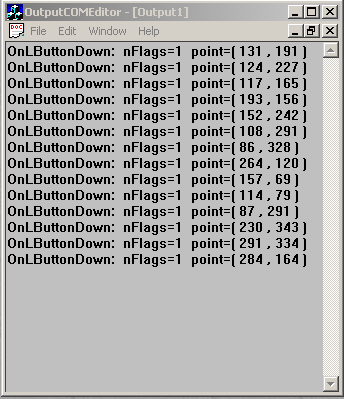
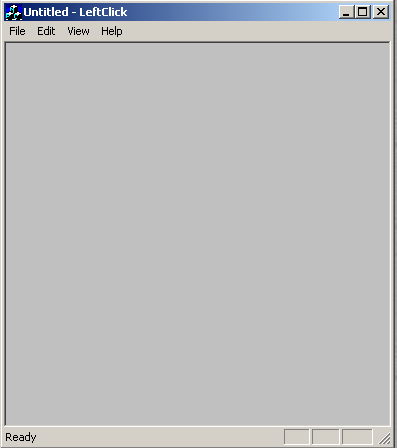
Full test.
See the implementation here.
Run the testingOutputCOMEditor.exe.
It displays the following dialog
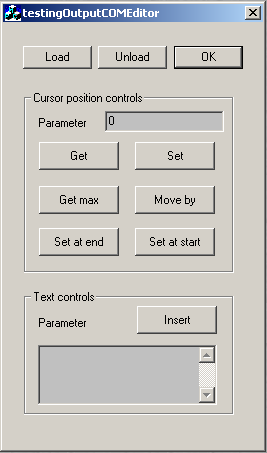
The Load button starts the OutputCOMEditor process. Unload closes it. OK closes the dialog. The rest of the controls manipulate the OuputCOMEditor window in the obvious fashion.