

TCP/IP (Shared) Settings on Wireless card
|
From Control Panel open Network |
|
In the Network window select TCP/IP (Shared) adapter |
|
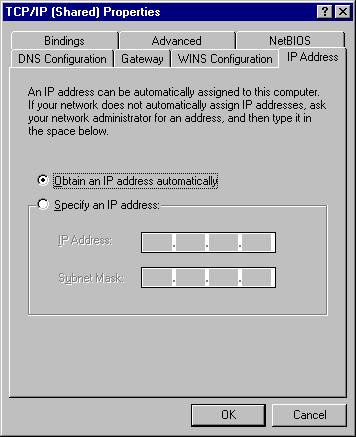
Under IP Address Tab check Obtain an IP address automatically |
|
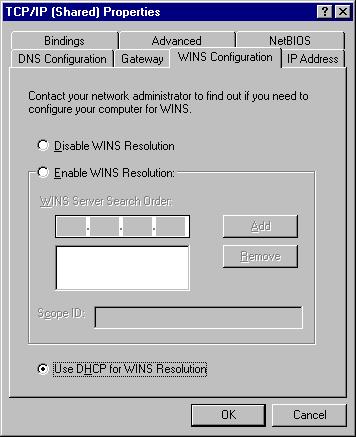
For WINS select Use DHCP for WINS resoulution |
|
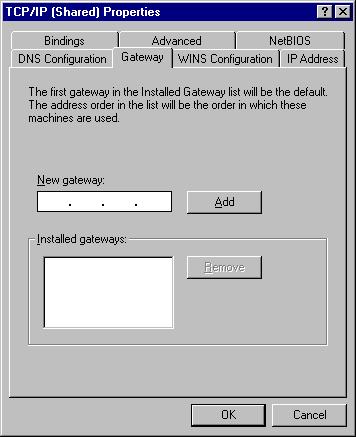
Leave the Gateway blank |
|
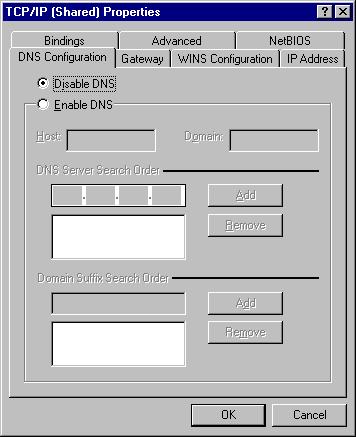
Disable DNS |
|
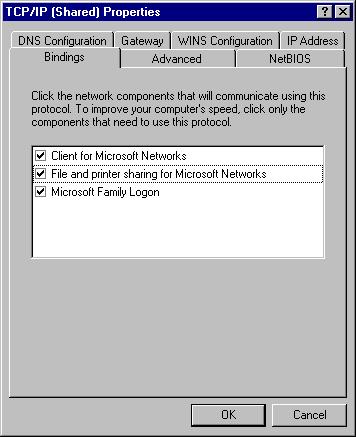
Check the bindings. Ensure that Client for Microsoft Networks is checked |
|
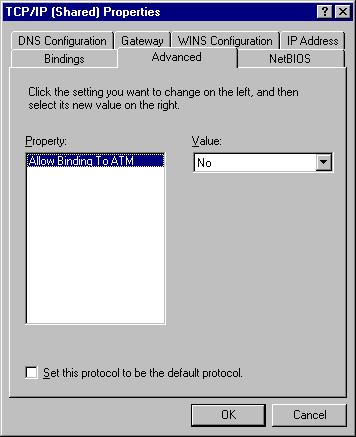
Leave with defaults |
|
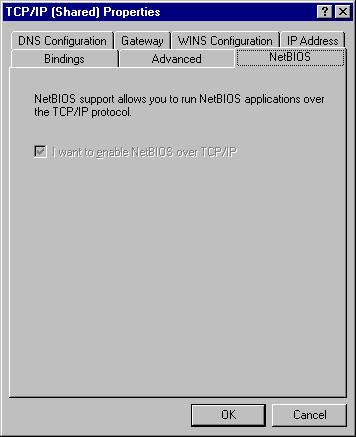
Leave with defaults |