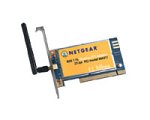
Netgear MA311 + Red Hat 9 (2.4.20-8)
Description
The goal of this guide is to install a Netgear MA311 802.11b wireless card in a system running Red Hat 9.
Index
· SQL Database Server - Add "mysql-server" (Click on Details)
· Development Tools
· Kernel Development
· X Software Development
· Gnome Software Development
· Select System Tools, but remove "ethereal"
Login using root and your
password
Start a terminal window.
Load the built in Orinoco driver
Red Hat 9 comes with a built in Orinoco driver. Red Hat 9 does not load it for the Netgear MA311. I don’t know why.
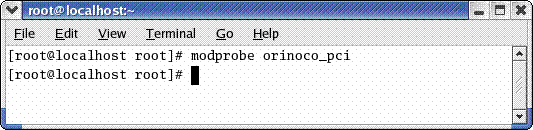
Execute the following from your terminal window.
# modprobe orinoco_pci (if you are using a plx adapter card then its “modprobe orinoco_plx”)
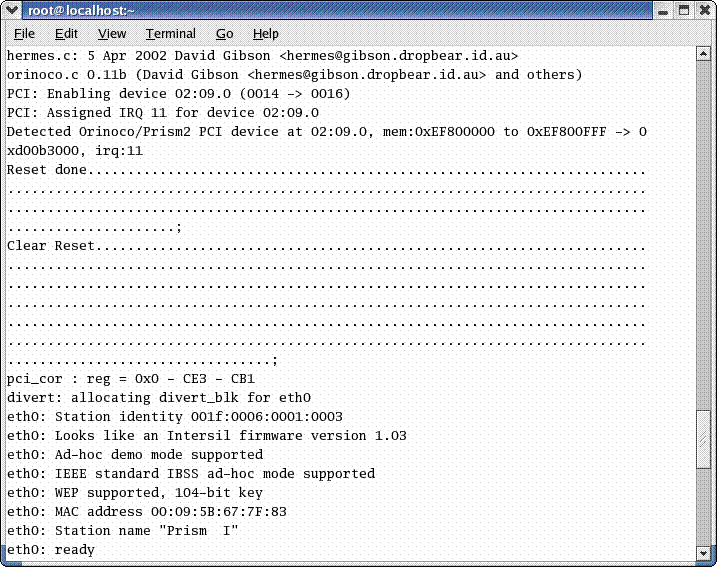
To check if the driver loaded:
To test that the Orinoco drivers have installed correctly, you should see the following lines after running the “dmesg“ command.
#dmesg
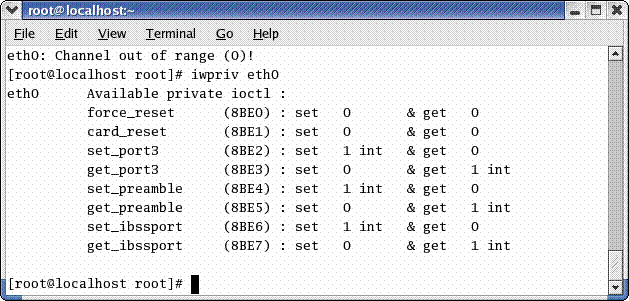
Additionally, to listed the available features.
# iwpriv eth0
To get associated eth0 with the driver so it will appear in the network configuration GUI.
Open an editor Red Hat > Accessories > Text editor
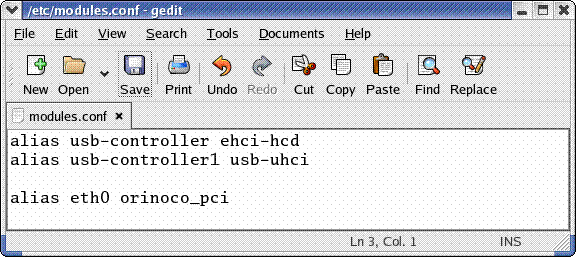
Edit the following file:
/etc/modules.conf
Add the following line to /etc/modules.conf
Alias eth0 orinoco_pci
Save the file and exit
Restart the System and the card should load.