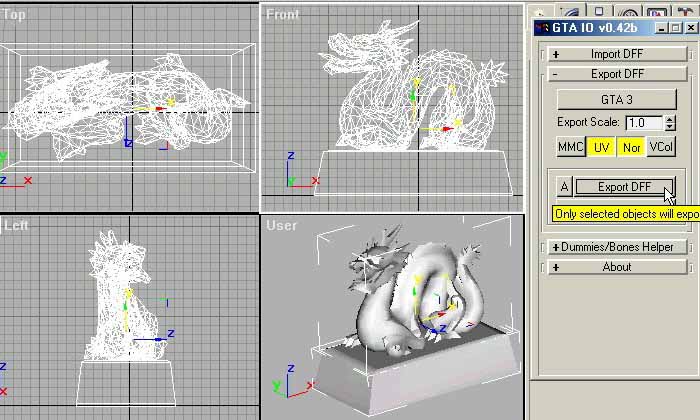
1. Create your model in MAX.
2. Export you models as dff. In my case, I call it 'dragonst.dff'.
3. Time to create the collision file. I am going to use a simple box for the base. And simple mesh(124 faces) for the dragon.
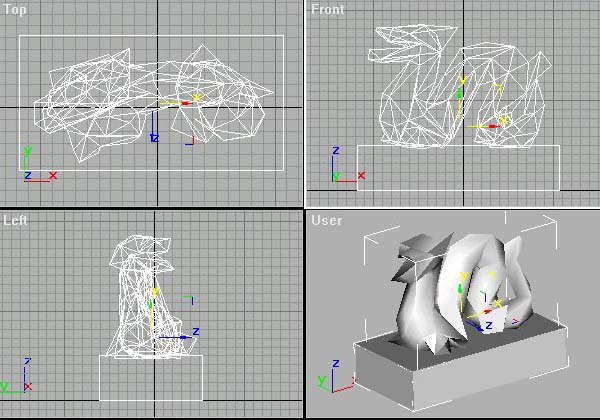
4. Hide or delete the original models(the dff export one), so you won't mess up with collision objects!
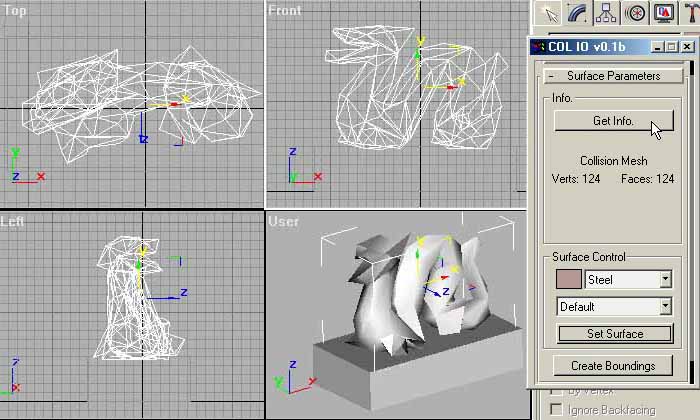
5. Now lanuch my 'COL_IO_1b.ms' script. Go to 'Surface Parameters' rollout. You have to set Surface for all your collision meshes(box,sphere).
6. In my case, the base box will be Rock and the dragon will be Steel!
Hint: You can use the 'Get Info.' button to see what's properities there!

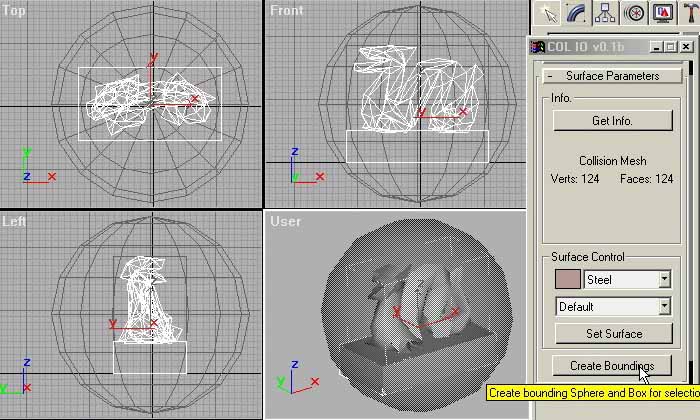
7. Select the dragon mesh, and Steel in 1st listbox. Press 'Set Surface' again.
Step 8 is now optional!
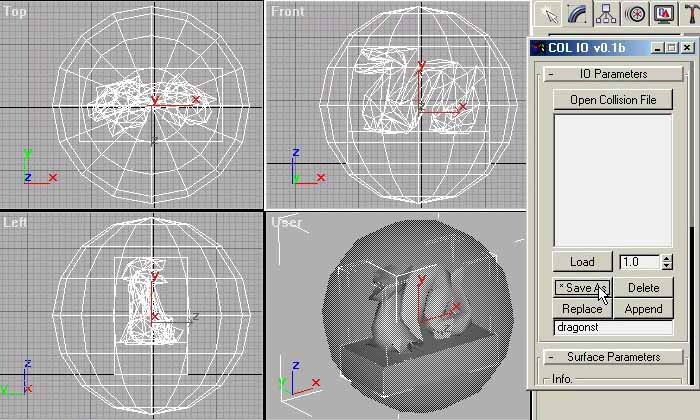
8. Your Collision file is almost done. GTA Engine need bounding box and sphere for every collision file! So select ALL the collision objects (dragon and box in my case)
Press 'Create Boundings', You will see a box and sphere are create for you.
9. Now is time for export your collision file! Open the 'IO Parameters' rollout, type the name of the collision file in the bottom box.