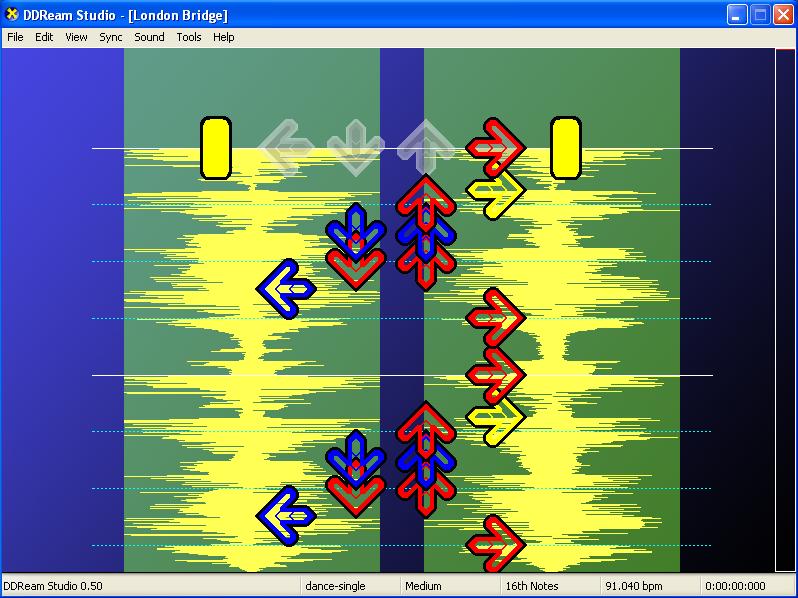
THIS PROGRAM IS RELEASED WITH ABSOLUTELY NO WARRANTY. THE CREATOR WILL NOT BE RESPONSIBLE FOR ANY DAMAGE--INCLUDING PHYSICAL, FINANCIAL, OR EMOTIONAL-- CAUSED BY USE OR MISUSE OF THIS PROGRAM.Download ddreamstudio 0.71 BETA 2 (986 KB ZIP File)
Posted October 14, 2006
*Added Real Time "Magic Nudge" - similar to incremental BPM adjustment with Alt + F7/F8 in Stepmania except this gives you visual feedback! watch as your beat markers graphically converge to the beats!
This version includes advanced audio features, new menus and status bar, and faster rendering.
New Features in this version (0.60):
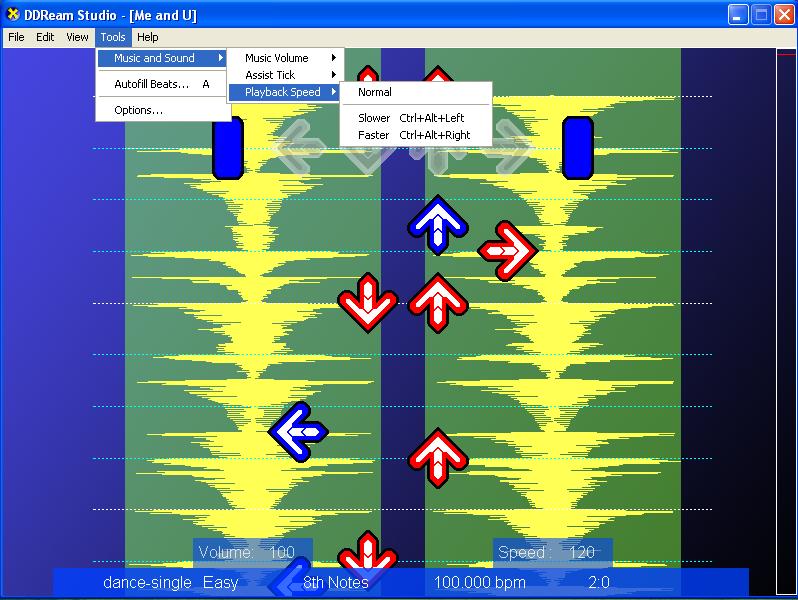
* Added Assist Tick for both BEATS and ARROWS
* Added Playback Speed Modifier
* Added Music Volume Control
* Faster rendering - constant 60 FPS (vsync) on a P3-800
* New Status Bar
* New Sound Engine
* Updated menus and keyboard shortcuts
This version includes a step editor with ENHANCED editing features. IT WILL CREATE PLAYABLE SIMFILES!
New Features in this version (0.58):
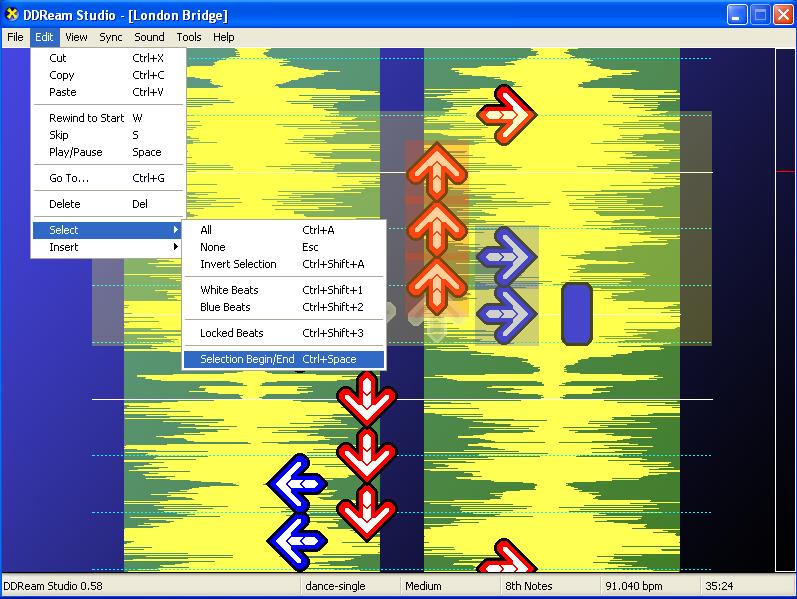
* Selection Begin and End (Ctrl+Space)- for selecting items similar to "regions" in SM.
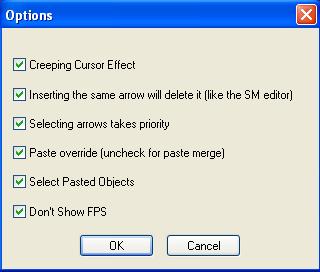
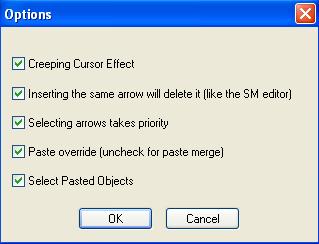
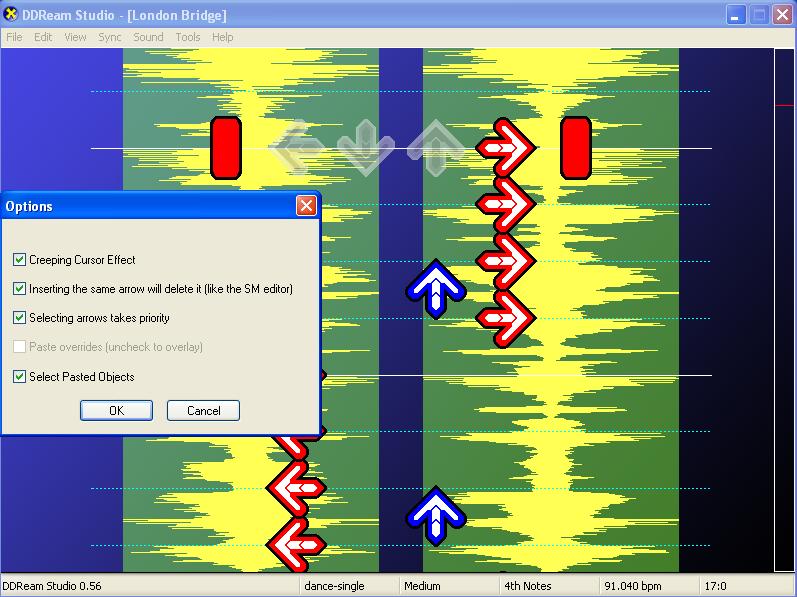
* Paste Override/Merge (go to Tools->options)
* Updated various dialogs to make more sense
This version includes a step editor with cut/copy/paste features. IT WILL CREATE PLAYABLE SIMFILES!
New Features in this version (0.56):
* Paste will select the pasted objects (go to tools->options to disable)
* Will not enable arrow view by default if youre loading a plain song, or if the simfile has no steps in any difficulty level
* Press S to Skip to last played section
This version includes a step editor with cut/copy/paste features. IT WILL CREATE PLAYABLE SIMFILES!
New Features in this version (0.55):
* Flexible Cut/Copy/Paste - you can cut/copy just about anything in any order by highlighting/selecting it.
* To select, you can draw a window around the desired objects, and/or hold CTRL and click each individual object to select.
* The copy buffer is persistent - you can close the current file and open a new file and paste the stuff into the new file.
* You may only cut/copy/paste one type of object (arrows, beats) at any one time.
* Inserting an arrow without a snap value will automatically set the snap to 4th notes and insert the arrow.
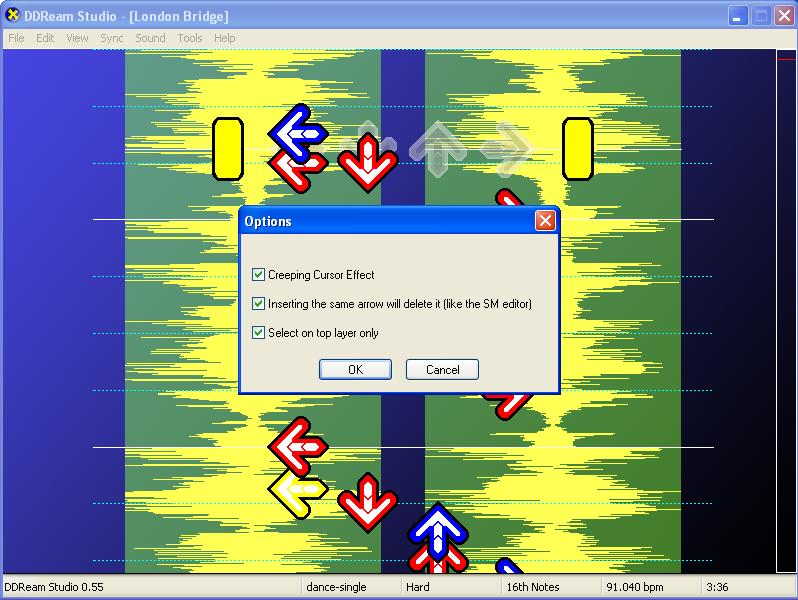
* If both arrows and beats are visible, selections will select only the arrows (go to tools-> options to disable this feature)
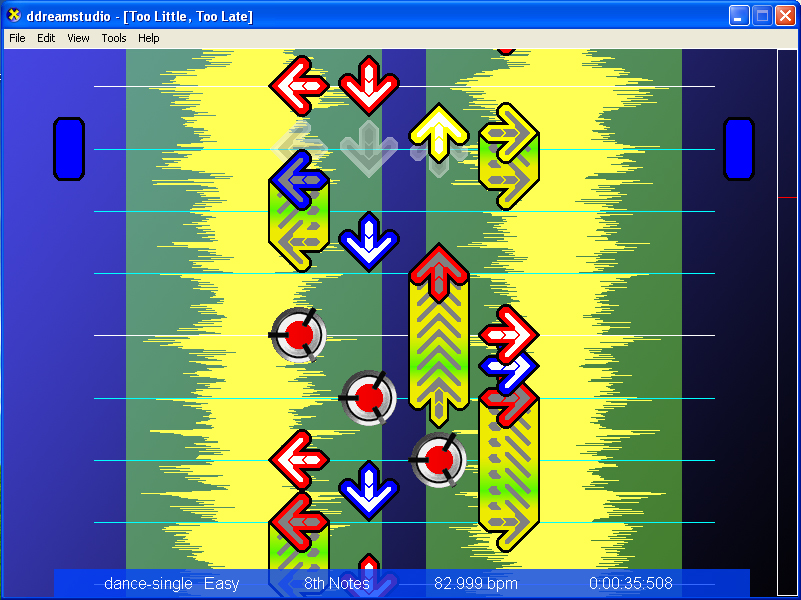
* Arrows are centered on screen, arrows are decorated by being filled in with white (like the SM editor)
* Inserting the same arrow will delete it (like the SM editor). Go to tools-> options to disable this feature.
* Snap graphics are tweaked to look more round
* Updated About... dialog
This version includes a VERY BASIC standalone step editor. IT WILL CREATE PLAYABLE SIMFILES!
New Features in this version (0.50):
* Opens and Saves simfiles (with steps) in *.ds or *.sm format
* Saved simfiles in *.sm format are "ready to play" in StepMania (you may want to use the StepMania editor only to add mines, freezes, etc, and to calculate the groove radar)
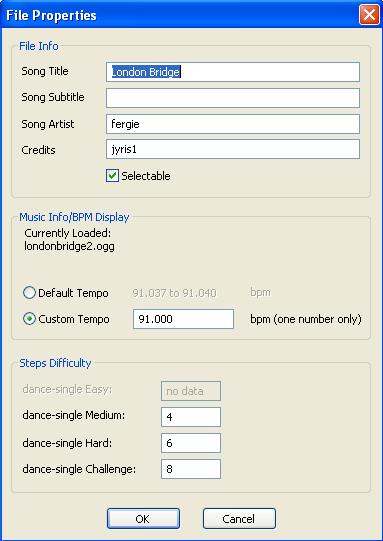
* New File Properties dialog supports editing steps difficulty ("foot rating")
* Supports regular arrows for dance-single (no freezes, rolls, or mines) from 4th thru 64th notes.
* New Beat Time format is [beat]:[frac] where frac is a number from 0 to 47
* Ctrl+Down and Ctrl+Up Zooms In/Out like the StepMania editor
* Number keys 1, 2, 3, 4 inserts arrows like the StepMania editor
* Inserting arrows while playing the song will record steps in real time using the current snap value (fast computer required)
* Left and Right arrow keys cycle through snap values like the StepMania editor
* Mouse Scroll Wheel scrolls up/down according to the current snap value
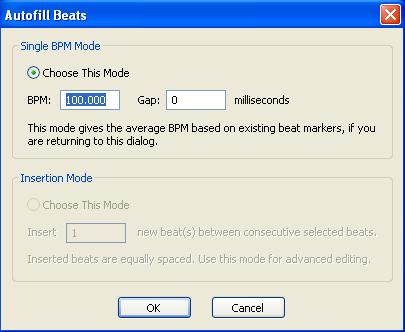
* Updated Autofill Dialog
* Updated Options Dialog
* Updated About... Dialog
* Updated Error Messages
* Temporarily disabled support for "arrow stops" (pauses)
NOTE: This Version of ddreamstudio will read, but will not write steps to file. Use this version as a fully featured music synchronizer, but not as a step editor.
New Features in ddreamstudio 0.28
* Default Save and Load in ddreamstudio Format (*.ds) so you dont have to back up your original SM simfile or risk losing data
* ddreamstudio Extended file format (*.dsx) created for additional data not supported by the StepMania SM format
* Keyboard Shortcuts are available for all common commands
* Added Option to make beats a different color (white or blue) for easier visibility
* Added Option to lock a beat, to prevent accidental delete or drag
* Beats are toggle-selectable by color or by locked status.
* Updated Error Messages and Alert Messages
* Updated Autofill Dialog
* Updated Go To... Dialog
* Updated About Dialog
* Fixed "show stops doesn't disable when file is closed"
* Smaller download (about 100KB smaller)
WARNING: MAKE A BACKUP OF YOUR SIM FILE BEFORE YOU USE DS. ALTHOUGH DS IS A FULLY FUNCTIONAL SYNCHRONIZER, DS IS STILL IN ITS EARLY STAGES OF DEVELOPMENT (VERSION 0.24) AND WILL NOT SAVE STEPS!
MORE HELP CAN BE FOUND AT Bemanistyle Forums AND DDR Freak Forums. Just search for "ddreamstudio" to find the threads.