| 2 Steps to Cut/Paste |
| STEP ONE |
| Illustrated |
 |
 |
 |
 |
 |
| . |
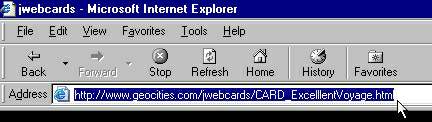
| On the page with the card you wish to send; |
| Highlight the URL in your browser's address field. (Just click on it. Swipe if you must.) |
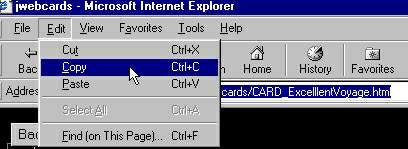
| Copy the Highlighted URL as shown below. (Ctrl-C is easier) |
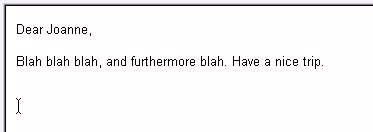
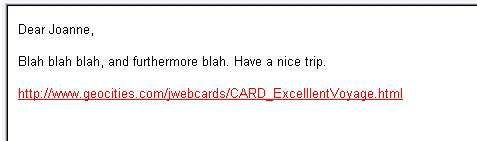
| Go to your e-mail and place the cursor where you want the URL. |
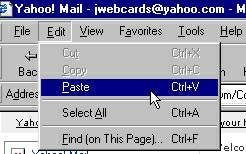
| Then choose "Paste" as shown below. (Ctrl-V is easier, faster) |
| The URL will appear where you placed the cursor. |
| Your card is now ready to send. |
| STEP TWO |
| Place cursor--> |
