
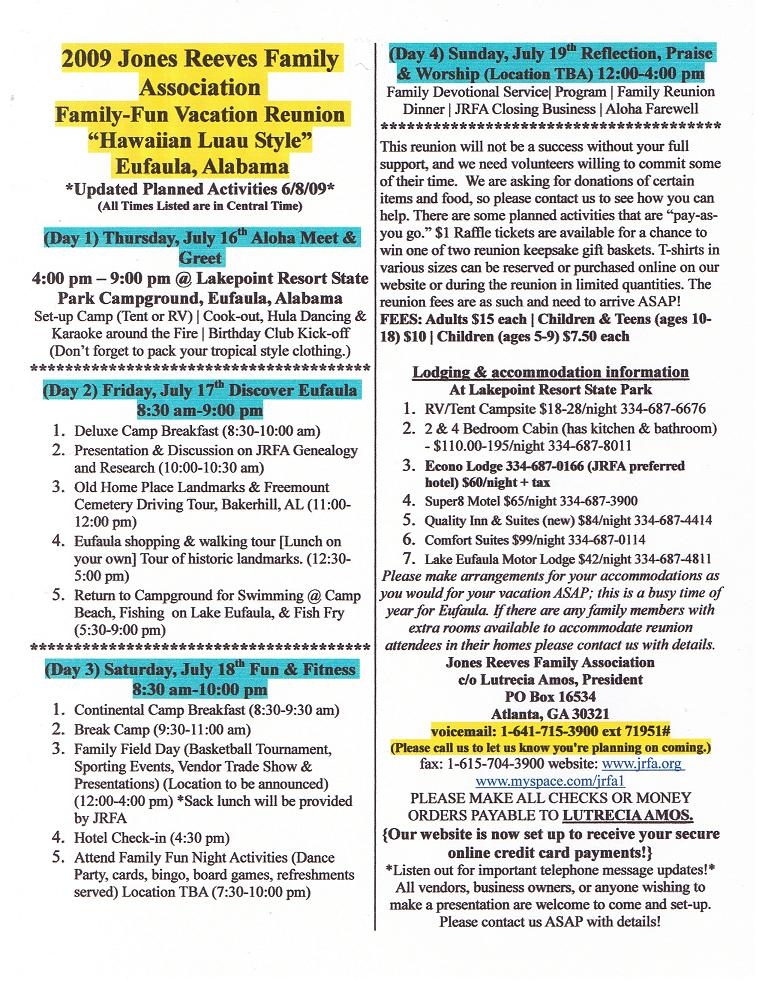
Things to keep in mind that you will be responsible for and your fees will not cover are the following:
|

Step #1 Select what you want to purchase by using any of the pull-down menus to make your selection. #2 Click "add to cart" and do this for each item. #3 Click "view cart" anytime you want to review your selection, indicate a quantity, remove an item, or when you are ready to check-out. Be sure to click "update cart" whenever you change the quantity or remove an item. #4 When you are ready to pay for the items in your shopping cart, select "proceed to checkout". You will be directed to the PayPal site where you will need to verify that your total is correct. If not simply close that page and return back to your shopping cart on the JRFA website. #5 If your total is correct, you can log into your PayPal to pay for your items. If you do not have a PayPal account, look on the page where you see the credit card logos and click "continue". #6 Enter your billing and credit card information and click at the bottom where it says "review order and continue" to confirm and process your payment.
 Click Here


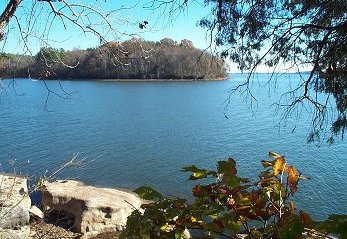
| Visit Eufaula | Eufaula Visitors Guide | Lodging Information | Lakepoint Resort State Park | Lakepoint Resort State Campground |